Linking factory measurements to real-time quality control without errors or delays still leaves gaps for many quality assurance teams. Most platforms either require complex setup and integration work or do not support efficient drawing-centric reporting for First Article Inspection and production runs. This comparison covers data entry methods, alerting speed, and audit readiness so quality assurance teams can match software to their inspection needs and reporting demands.
Table of Contents
QA Platform
At a Glance
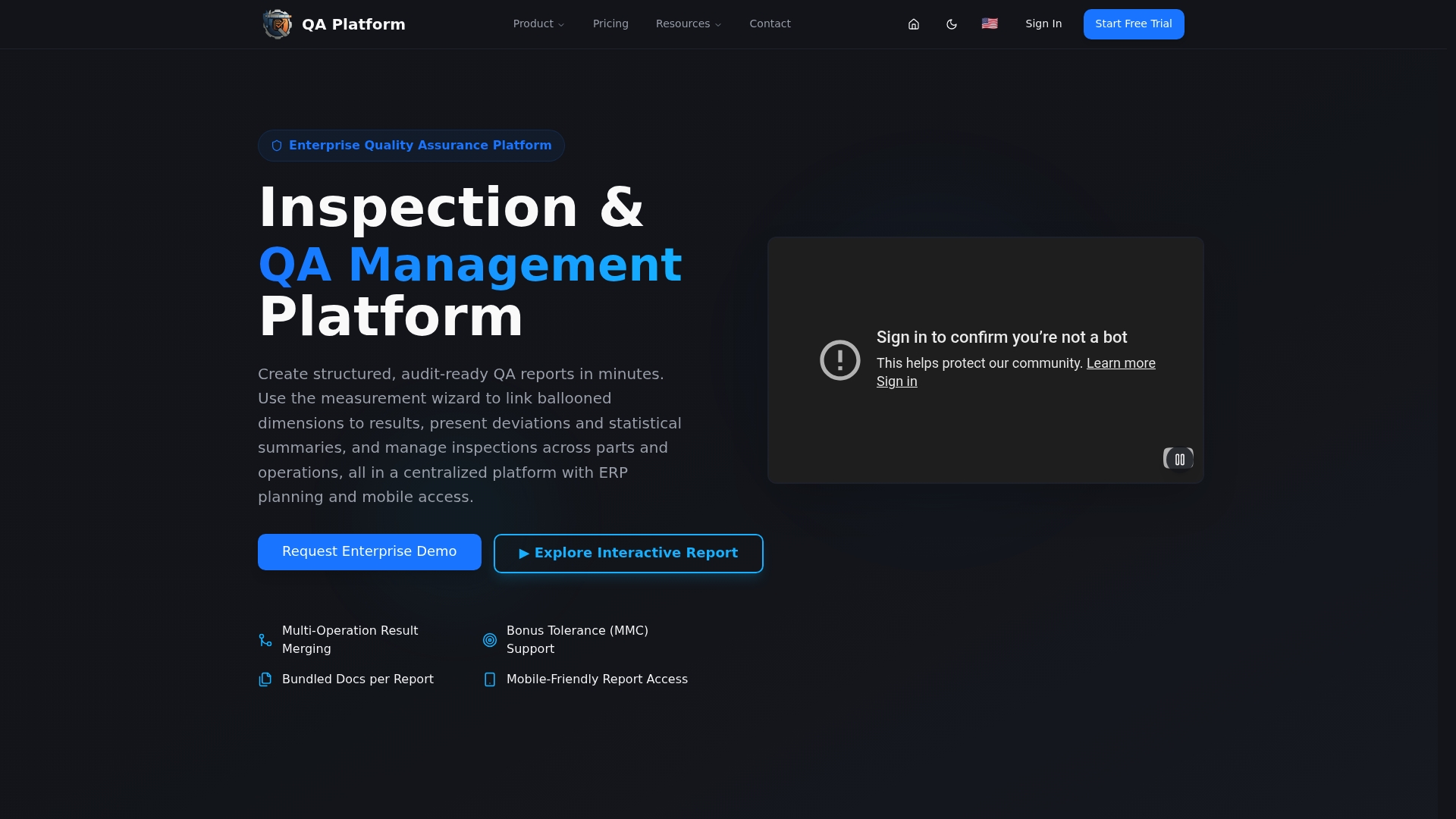
The measurement wizard links ballooned drawing dimensions to measured results and auto-flags out-of-tolerance deviations. This capability speeds inspection data entry and reduces manual matching errors during First Article Inspection and dimensional checks. Inspectors can access results from mobile devices on the shop floor.
Core Features
QA Platform runs on the QA-Report cloud as a centralized, multi-language system with mobile access for inspectors. It creates audit ready FAI, dimensional, and GD&T reports and generates professional PDF reports and statistical summaries that the vendor says meet ISO 9001, AS9100, and PPAP requirements. The product includes automatic drawing ballooning, a built-in 3D CAD viewer for STEP and IGES, multi platform CMM data import, tolerance validation, and an integrated MES layer for production planning.
Key Differentiator
The standout capability is AI-powered auto-ballooning paired with broad CMM compatibility. The system accepts CMM output from Zeiss, Mitutoyo, Hexagon, and Brown & Sharpe and links those measurements directly to ballooned features. That combo removes hours of manual annotation and prevents common mapping errors between CAD drawings and measured results.
Pros
QA Platform targets precision manufacturing needs with feature sets that match aerospace, automotive, and medical device requirements. The measurement wizard and AI auto-ballooning cut repetitive tasks during inspection setup and reduce transcription errors when importing CMM runs. The integrated MES layer ties inspections to production by handling route cards, kanban, and Gantt planning while tracking rejections and recoveries and enforcing role based shop floor access. Plans scale from free through enterprise, and security measures include SSL encryption, backups, and service level agreements.
Cons
- The interface and advanced feature set have a learning curve for new inspectors and teams, so training is usually required before full adoption.
Notable Integrations
- Zeiss Calypso
- Mitutoyo MCOSMOS
- Hexagon PC-DMIS
- Brown & Sharpe
Who It's For
Quality assurance teams, inspectors, and engineers in high precision manufacturing who must produce audit ready inspection reports and manage compliance. It fits organizations that run CMMs, use GD&T heavily, and need inspection data linked to production schedules and batch tracking.
Unique Value Proposition
The integrated MES layer manages production across parts, batches, and operations with route cards, kanban, and Gantt planning. That structure lets inspection results gate production steps and shortens feedback loops between inspection and manufacturing. For teams that must coordinate inspections with shop floor schedules, this reduces handoffs and keeps traceability inside one platform.
Real World Use Case
A precision machining shop imports CMM runs, lets the AI auto balloon drawings, and validates tolerances automatically. Inspectors use the measurement wizard on a tablet, then share interactive PDF reports with OEM clients. The workflow reduces manual report assembly and lowers the chance of mislabeled dimensions in delivery documentation.
Pricing
QA Platform offers a free tier plus paid plans: Essential at $49.99/month and PRO at $149.99/month. Custom enterprise solutions are available for large deployments and tailored integrations.
Website: https://qa-report.com
ProFicient by InfinityQS
At a Glance
Deploys as cloud, on premise, or hybrid software, giving plants options for where they capture and store quality data.
ProFicient links automated data collection to live dashboards and audit trails.
The vendor positions the product for regulated sectors such as aerospace, automotive, and pharmaceuticals.
Core Features
ProFicient provides real-time process monitoring and alerts, automated collection from many data sources, and configurable dashboards that show process health at a glance.
The system includes compliance and audit trail management and a centralized quality data repository that supports cross site reporting and historical analysis.
Reports and dashboards are configurable to reflect the metrics and control rules your team already uses.
Key Differentiator
ProFicient targets multi site manufacturers by combining flexible deployment with deep compliance controls for regulated industries.
The platform emphasizes integration with existing plant systems and supports company wide visibility into process performance.
That combination aims to reduce handoffs between quality and operations for teams managing complex, certified production processes.
Pros
ProFicient helps teams shift from reactive to proactive quality control by delivering live alerts and control charts that point to variation sources.
Flexible deployment lets IT choose cloud, on premise, or hybrid architecture to match security and connectivity constraints.
Built in audit trails and compliance features reduce the manual overhead of inspections and reporting for regulated workflows.
Cons
- Implementation is complex in tightly regulated environments and often requires professional services and technical support.
- Continuous integration with plant systems can need substantial setup and tuning before data flows reliably.
- Advanced SPC functions carry a learning curve that can slow initial adoption among inspectors and operators.
When It May Not Fit
Small shops with minimal IT support may find implementation and ongoing tuning costly relative to their volume and staffing.
Buyers seeking a plug and play inspection app with near zero setup will likely find ProFicient more than they need.
Organizations unwilling to invest in user training and integration work may not realize the platform's intended value.
Who It's For
Manufacturing organizations that need real time quality monitoring and process control across multiple facilities will benefit most.
The product suits teams that must meet industry standards and maintain auditable records across shifts and sites.
Quality engineers and managers responsible for enterprise level process visibility will find the feature set aligned with their objectives.
Real World Use Case
According to the company, a semiconductor manufacturer reported a 20% reduction in defect rates after deploying ProFicient to monitor wafer inspection.
That deployment used automated data capture at inspection points and live dashboards to drive corrective actions on the line.
The customer also used the solution to support ISO 9001 compliance and to centralize historical quality records.
Pricing
Pricing is not publicly listed.
InfinityQS classifies pricing as informational only and provides quotes on request.
Contact the vendor to obtain a tailored price based on deployment choice and required modules.
Website: https://infinityqs.com
WinSPC
At a Glance
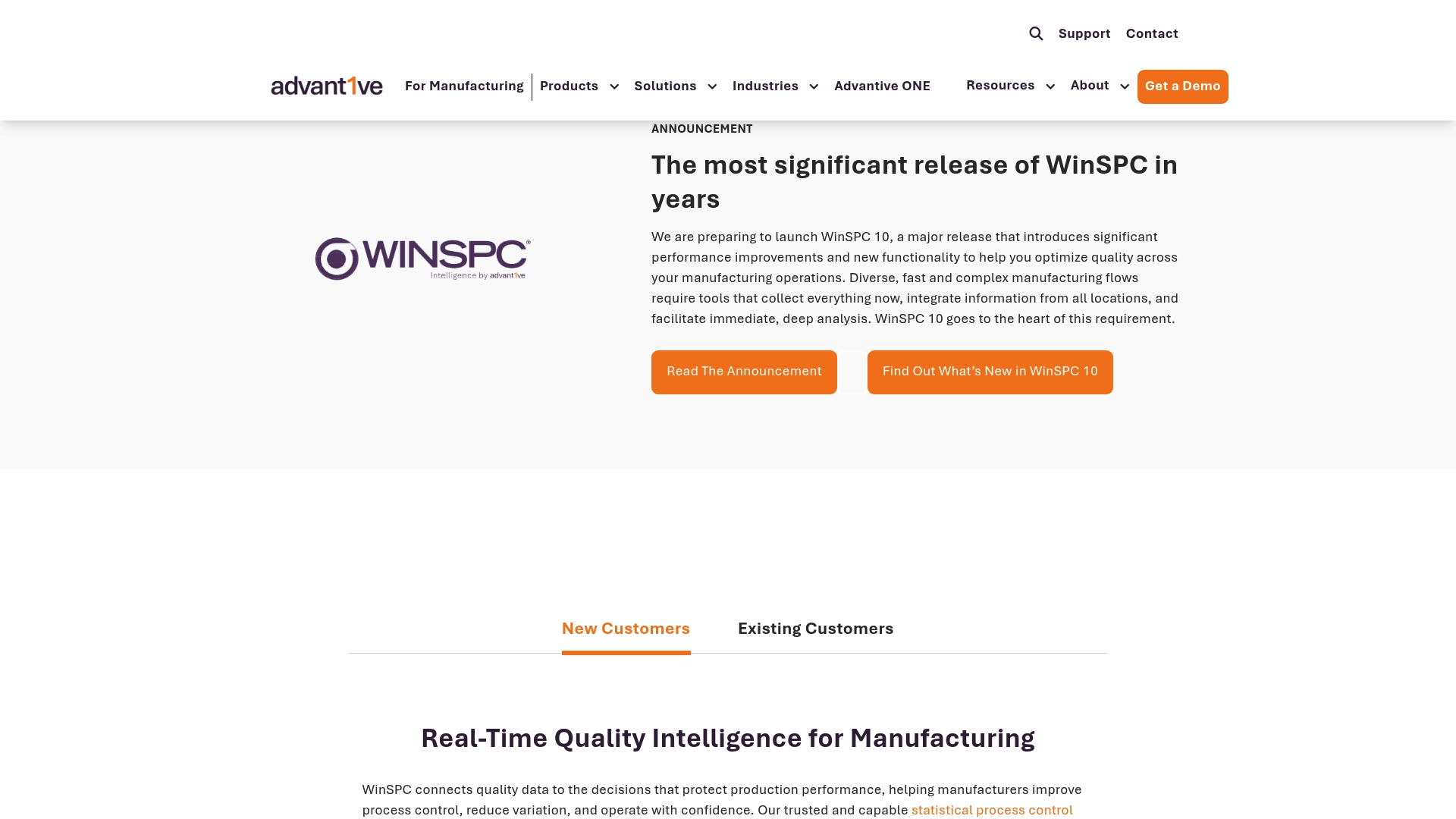
WinSPC captures high-speed data from gauges, machines, and control systems and feeds live control charts across lines and sites. The platform issues automated alerts when a process drifts, so teams can react to deviations immediately. It also ties inspection data to cost metrics so engineers can spot waste and prioritize fixes.
Core Features
WinSPC performs real time shop floor data collection from multiple sources and displays plant monitoring with live control charts and dashboards. The system triggers automated alerts and corrective workflows when variables move out of tolerance, and includes cost inspection that links quality readings to financial metrics. The suite also offers dataset tools and variable analysis to support regulatory reporting and root cause work.
Key Differentiator
High-speed data capture drives WinSPC's approach. That focus allows the product to detect short duration excursions and notify operators before defects accumulate. Compared with QA-Report, WinSPC targets operations that need deep machine integration and plant wide control charts rather than a drawing centric FAI workflow.
Pros
WinSPC supports fast data collection and true live visualization of process performance, which reduces the time between detection and correction. It integrates with established enterprise and automation systems, so quality records flow into ERP and MES workflows without manual rekeying. Automation for alarms and process correction cuts investigation time, and the vendor reports measurable reductions in variation and waste. Deployment can be cloud based or on premises, giving IT teams flexibility to match existing infrastructure.
Cons
-
Complex initial setup and configuration can extend time to value for teams without system integrators.
-
The platform requires dedicated training for inspectors and engineers to use advanced analytics effectively.
-
Customer feedback includes challenges with scaling to very large multi site operations in some cases.
When It May Not Fit
Small shops with minimal IT support may find the initial implementation overhead disproportionate to their needs. Organizations that cannot allocate ongoing training resources will not get the full value from the analytics features. If your program needs a lightweight, drawing first FAI tool with minimal setup, WinSPC's plant focus may feel heavy.
Notable Integrations
Integrates with enterprise and automation platforms including SAP, Oracle, Wonderware, Plex, and MS Dynamics. These connections support automated transfer of quality events, serialized part data, and production context into broader manufacturing workflows.
Who It's For
Quality managers and process engineers running production lines in packaging, automotive, food and beverage, or aerospace who need continuous process control. Teams that rely on machine data, traceable alerts, and links between quality and cost will find the product relevant.
Real World Use Case
A food manufacturer used WinSPC to monitor oven temperatures and dough weight across a baking line. Live charts flagged transient temperature spikes that periodic checks missed. The team adjusted set points and reduced baked good rejects and waste in the next production shift.
Pricing
Not applicable — informational only. Pricing and licensing options are provided by the vendor and typically vary by deployment, number of collection points, and required integrations. Contact the WinSPC sales team for a tailored quote.
Website: https://winspc.com
Zontec SPC Software
At a Glance
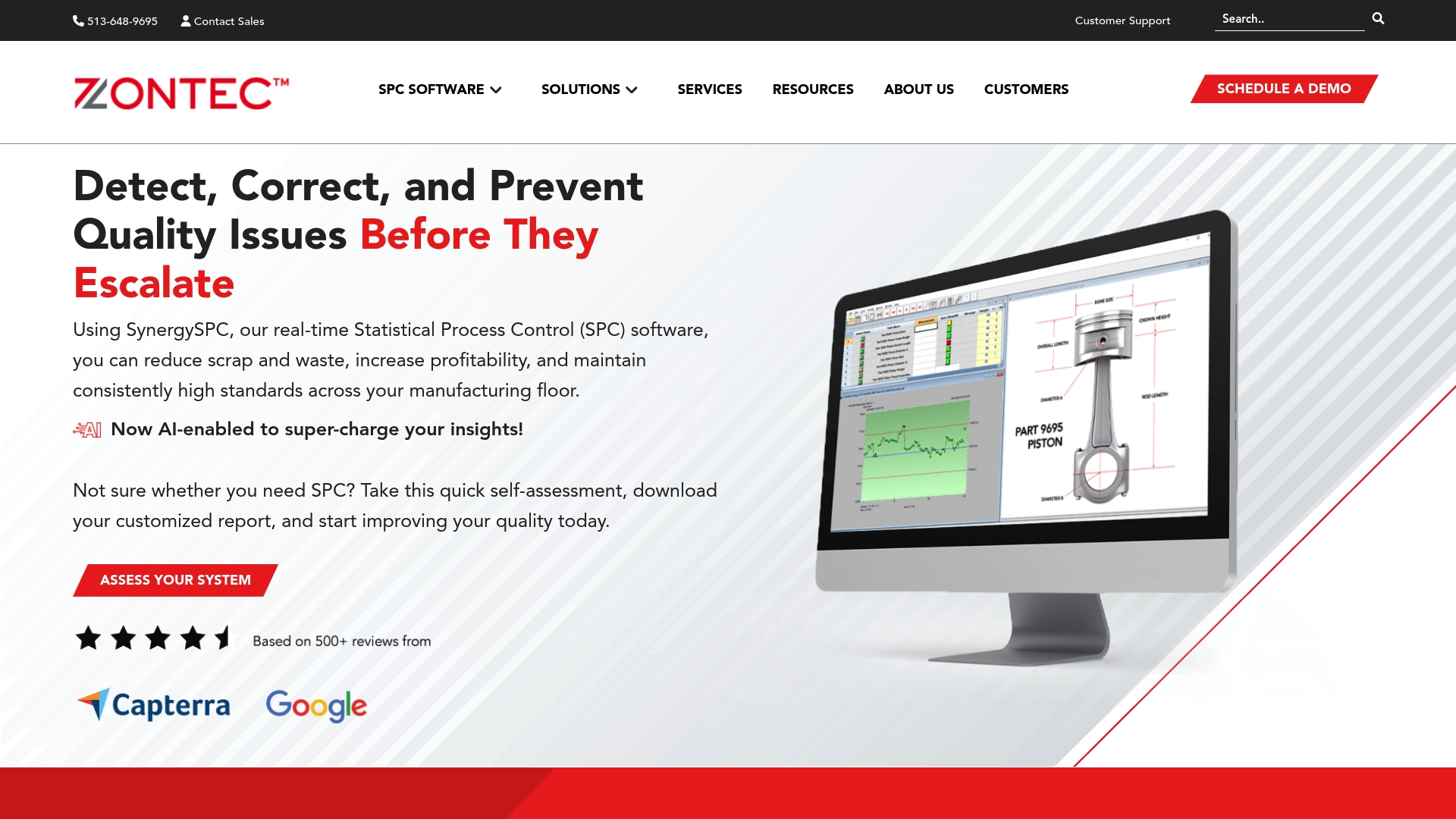
Zontec reports more than 5,000 companies have used its SPC software since 1983. The suite targets manufacturers with real-time SPC software capabilities across modular Synergy editions. Subscription based licensing and customizable add ons support small deployments and enterprise rollouts.
Core Features
Zontec captures process data automatically and updates control charts and statistics in real time. The platform applies AI enabled analysis to highlight process patterns and to surface probable root causes. Configurable modules and migration services adapt the system from shop floor cells to multi site production.
Key Differentiator
The one clear differentiator is the blend of AI enabled real-time insights with classical SPC controls in an approachable interface. That pairing aims to shorten diagnosis time while keeping SPC fundamentals visible to engineers and operators. The Synergy product line supports staged adoption across operations.
Pros
Implementation is reported as straightforward for typical small and mid size teams, with workflows that lay out control charts and alerts clearly. Zontec brings over 40 years of industry experience and offers training plus migration services to accelerate deployment. The vendor advertises high customer satisfaction and responsive support, and subscription licensing removes long term lock in.
Cons
- Complex setups may surface support and implementation challenges for highly customized environments.
- The platform can require careful configuration to handle very large scale enterprise data.
- Pricing is available only upon request, which adds friction for smaller shops on tight budgets.
When It May Not Fit
Large multinational operations that need out of the box handling for massive data streams may find the default configuration limiting. Extremely bespoke workflows will likely require dedicated professional services for correct integration. Teams without internal SPC expertise should budget for external support during rollout.
Who It's For
Manufacturers, quality managers, and industrial engineers at small to mid size companies will see the best match. The product also fits quality teams in larger firms that plan staged deployments and can allocate integration resources. Operations seeking AI assisted process signals alongside proven SPC tools will find relevant features.
Real World Use Case
According to the company, TDK Philippines increased production volume by 50% while maintaining quality without adding staff. That result illustrates how real time monitoring and focused root cause work can support throughput growth. Similar lines with repeatable processes can apply the same approach.
Pricing
Pricing details are available upon request and the vendor offers subscription based options. Solutions are customizable by module, which affects cost and deployment scope. Contact sales for a tailored quote and licensing terms.
Website: https://zontec-spc.com
Comparison of alternatives
QA Platform provides the most streamlined CAD-based inspection and workflow integration among its competitors. However, variations exist among the products reviewed that may cater to different preferences and operational constraints.
Integration of analysis and production workflows
QA Platform excels in integrating CAD-based analysis with broad production scheduling and flow management using its MES platform. By contrast, while tools like WinSPC integrate SPC data with ERP systems, they don’t offer CAD-specific analysis. Zontec SPC Software provides AI-powered diagnostic tools but lacks drawing integration. For manufacturers working with CAD-heavy workflows, QA Platform offers advantages in efficiency and error mitigation.
Advanced statistical process control and data insights
Zontec SPC Software stands out for its application of real-time AI-driven insights in statistical process control. This capability facilitates rapid diagnostics of process patterns and root causes, advantageous for manufacturers needing quick response times. WinSPC performs well in live monitoring and alerts but focuses more on high-speed data capture from equipment rather than interpretative insights. ProFicient provides compliance controls across its deployment options, suited for regulated industries, though initial setup may require dedicated resources. Firms valuing diagnostic control analytics as a competitive edge may prefer Zontec SPC Software for this feature.
Best fit
- Teams emphasizing CAD-based drawing analyses and integrated production planning will benefit from QA Platform’s unique capabilities in handling inspection data alongside manufacturing schedules.
- Organizations seeking deep machine integration with ERP workflows and automation systems will find WinSPC’s compatibility advantageous.
- Companies proposing simplified modular SPC implementation for small to mid-level setups may prefer Zontec SPC Software for its ease of deployment and adaptative configurations.
- Multinational firms emphasizing scalability and compliance for regulated industries will align well with ProFicient’s features, including cross-site process monitoring and historical trend analyses.
Our pick
QA Platform includes integrated MES functionality, drawing analyses, and compatibility with various CMM systems, which positions it as an solution for manufacturing and quality engineers running dynamic, data-driven workflows. However, organizations focusing exclusively on machine data integration or those needing modular, scalable setups may find alternatives like WinSPC or Zontec SPC Software more tailored. QA Platform remains ideal for companies primarily requiring unified inspection and broader manufacturing coordination.
The following table compares several manufacturing quality inspection software options based on key features, deployment focus, target users, pricing, and limitations. This comparison allows decision-makers to select the best-suited tool for their specific manufacturing requirements.
| Product | Key Features | Deployment Focus | Best For | Pricing | Limitation |
|---|---|---|---|---|---|
| QA-Report | Automatic drawing ballooning, integrated MES, audit-ready reports | Quality assurance in precision manufacturing | Quality assurance teams, engineers | Free, Essentials $49.99/month, PRO $149.99/month, enterprise-tier | Requires training for full adoption |
| ProFicient | Real-time process monitoring, customizable dashboards, compliance management | Real-time quality and multi-site process control | Enterprises managing certified production processes | Price not published | Requires integration and user support |
| WinSPC | High-speed data capture, cost tracking, live control charts | Continuous shopfloor data collection and analysis | Quality managers, process engineers | Price not published | Complex initial setup |
| Zontec SPC Software | AI-enabled SPC insights, modular editions, real-time process monitoring | Scalable implementation for small to mid-size manufacturers | Manufacturers, quality managers | Price not published | Challenges with highly customized environments |
Challenges When Choosing Real-Time SPC Software for Precision Manufacturing
Manufacturers and quality engineers in aerospace, automotive, and medical device production face the challenge of linking inspection data directly to drawings and production schedules. Manual annotation and data entry errors slow down First Article Inspection and dimensional checks, risking compliance and traceability gaps. QA-Report addresses these pain points with its cloud-based platform that connects ballooned drawing dimensions to measured results automatically, flags out-of-tolerance issues, and supports audit-ready reports meeting ISO 9001 and AS9100 standards.
For teams needing to reduce manual tasks and integrate quality data with production planning, QA-Report offers a centralized system with mobile access, CMM data import, and an integrated MES layer for route cards and Gantt planning. Learn more about how QA-Report can simplify your real-time SPC requirements by visiting QA-Report.

See how your inspection team can save hours on manual report assembly and improve data accuracy. Try QA-Report to link CMM outputs to your ballooned drawings and generate detailed PDF inspection reports that meet industry standards.
FAQ
How does QA-Report handle automatic drawing ballooning?
QA-Report provides AI-powered auto-ballooning that links measurements directly to ballooned features. This capability eliminates hours of manual annotation during First Article Inspections and reduces errors between CAD drawings and measured results. To implement this feature, teams can begin integrating QA-Report into their inspection workflow.
What is the difference between ProFicient and QA-Report?
ProFicient excels in offering real-time process monitoring across multiple manufacturing locations, making it ideal for organizations that require extensive compliance controls. QA-Report stands out for its AI-powered auto-ballooning and tight CMM integration, making it suitable for teams focused primarily on precision inspection tasks. Consider your specific needs in quality assurance to choose the right tool.
Which platform has a specific focus on precision manufacturing needs?
QA-Report targets precision manufacturing with features tailored to the aerospace, automotive, and medical device sectors. The measurement wizard and AI auto-ballooning streamline inspection setup and reduce transcription errors effectively. Utilizing QA-Report could enhance your team's efficiency in these demanding environments.
Can I use QA-Report if my team struggles with training for new inspectors?
Using QA-Report may require a learning phase for new inspectors, especially given its advanced features. The platform’s measurement wizard can help simplify tasks, but consider providing initial training sessions to ease the transition for your team and maximize the tool's potential.
How does QA-Report ensure compliance with recognized standards?
QA-Report generates professional PDF reports and statistical summaries that align with ISO 9001, AS9100, and PPAP requirements. This compliance ensures that your inspection processes meet industry standards, boosting confidence in your quality assurance practices.