
Tracking corrective actions efficiently across multiple sites or audit types feels slow or scattered in most inspection tools. Many platforms hide advanced reporting behind higher tiers, require heavy process customization, or offer limited connections to ERP and CMM systems. This comparison covers features and pricing for four alternatives so quality managers and inspection engineers can match one to their audit and documentation needs.
Table of Contents
- QA Platform Enterprise QA & Inspection Management
- monitorQA
- Sunday Business Systems QMS Software Suite
- QualiOne
- Comparison of alternatives
QA Platform Enterprise QA & Inspection Management
At a Glance
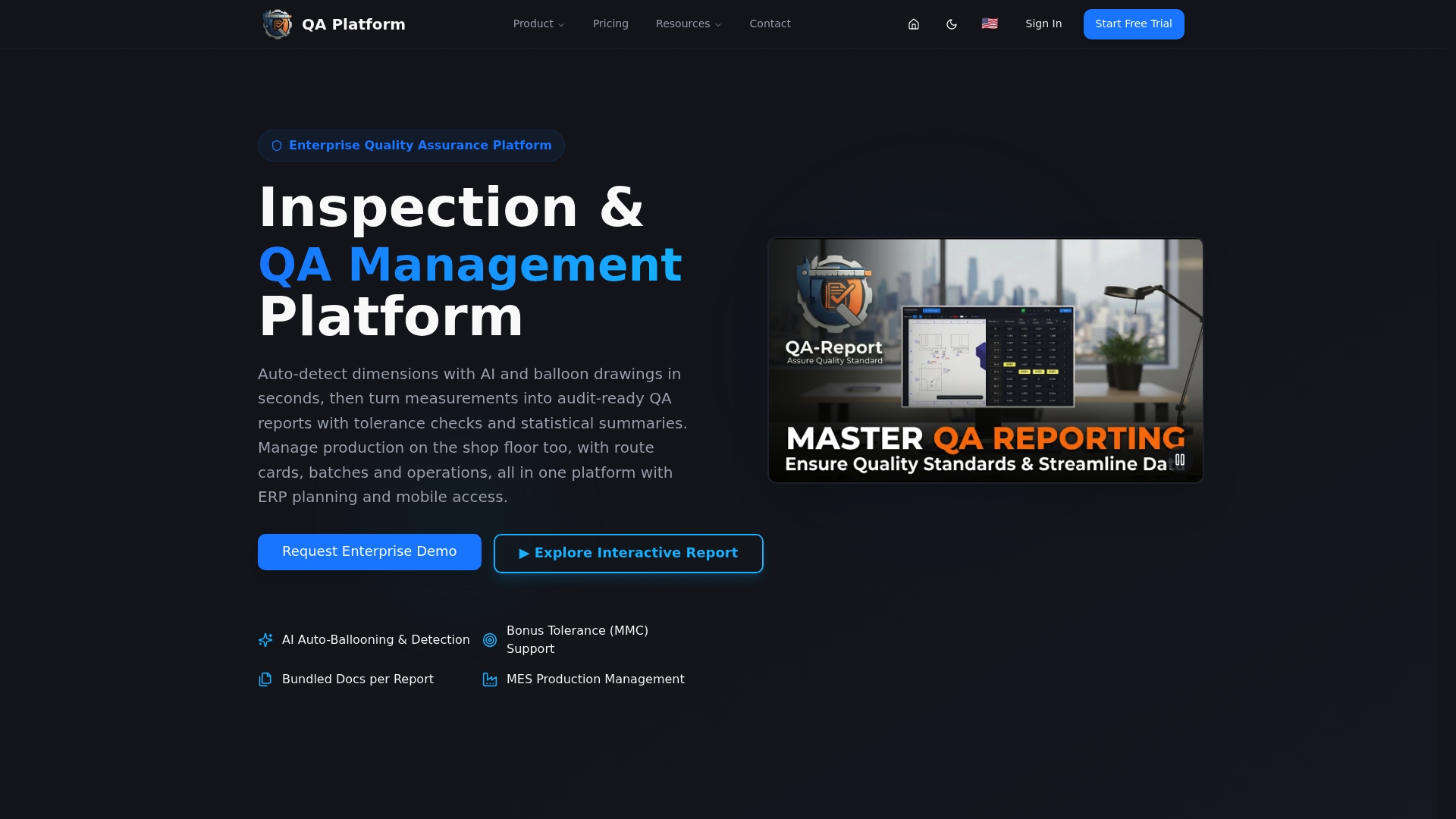
AI auto-ballooning links ballooned drawing callouts directly to imported measurement points from CMM machines. The platform includes a built in 3D CAD viewer for STEP and IGES and produces audit ready FAI, dimensional, and GD&T reports suitable for regulated manufacturing. Mobile access supports inspectors on the shop floor.
Core Features
The product performs AI auto-ballooning and drawing detection, and it accepts CMM measurement imports from major vendors. A full GD&T engine validates geometric callouts and MMC bonus tolerance while an interactive report layer lets recipients explore live measurement data rather than static PDFs. Production planning tools include route cards, batch tracking, kanban style boards, and Gantt planning for shop floor coordination.
Key Differentiator
The single strongest capability is the combination of automatic drawing ballooning and direct CMM data integration tied to interactive reports. That link removes manual dimension matching and lets inspectors validate tolerances and produce audit ready documentation inside the same workflow.
Pros
Integrates with major CMM systems such as Zeiss, Mitutoyo, and Hexagon, which shortens the handoff between metrology and report generation. Automation reduces manual measurement recording and the chance of transcription errors. The platform scales from small teams to enterprise deployments and supports GD&T, MMC bonus tolerance, and complex inspection standards. Interactive report sharing improves traceability with customers and auditors while keeping measurement context live.
Cons
- The user interface can feel complex during initial adoption for teams used to basic inspection spreadsheets.
Who It's For
Quality assurance managers and inspection engineers in aerospace, automotive, or medical device manufacturing will get the most value. The product fits teams that rely on CMM outputs and need formal FAI and dimensional reporting. Small operations that only perform occasional manual inspections may find the feature set larger than required.
Unique Value Proposition
AI driven auto ballooning that maps drawing dimensions to measured CMM results inside interactive reports reduces hours spent on manual linking. That saves inspector time during First Article Inspection preparation and speeds delivery of audit ready reports that support ISO 9001, AS9100, and PPAP style requirements.
Real World Use Case
A medical device shop imports Zeiss CMM output, runs the AI ballooning against the engineering drawing, and validates tolerances instantly. Inspectors generate an audit ready report and share it with the quality manager for live review. The process reduces hand entry and shortens the FAI cycle.
Pricing
Plans include a Free tier, Basic at $49.99/month, and PRO at $149.99/month. Custom enterprise solutions are available for larger organizations and advanced deployments. A free trial is offered for evaluation.
Website: https://qa-report.com
monitorQA
At a Glance
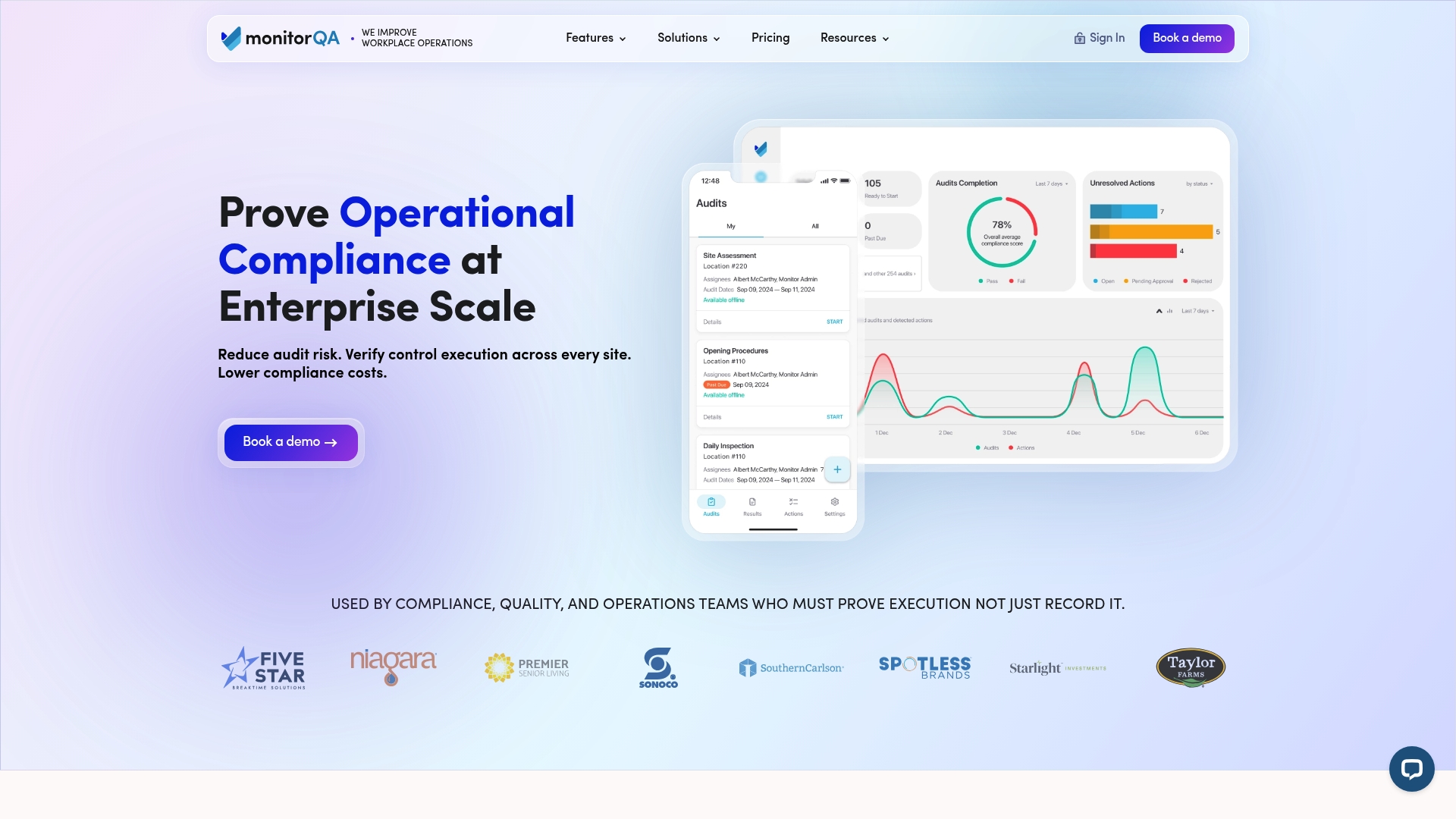
Starting price is $19/user/month, with tiered plans that can include unlimited inspections and locations on selected tiers. The platform focuses on verifiable control execution, incident reporting, and corrective action tracking across multiple sites. Users single out ease of use, stable syncing, and responsive support as recurring strengths.
Core Features
monitorQA combines an AI-powered audit template builder with mobile inspections, issue reporting, and corrective action follow up to shorten audit cycles and preserve evidence. The platform delivers insight and reporting tools that link control execution to results and trends. A native mobile inspection app lets teams capture findings and escalate incidents from the shop floor.
Key Differentiator
The standout capability is the AI-assisted template builder paired with broad mobile and reporting coverage, designed for large distributed organizations. That combination helps teams enforce identical checks across sites and produce audit evidence quickly.
Pros
The product is intuitive and fast to set up, which reduces training time for inspectors and supervisors. Syncing between mobile and web remains stable for distributed teams, and customer support is frequently described as proactive and helpful. Customizable templates and clear per user pricing keep deployment predictable for organizations that scale across locations.
Cons
-
User reviews report no significant weaknesses, so independent negative feedback is limited.
-
Limited publicly documented criticisms make direct feature trade offs harder to evaluate for some buyers.
-
Pricing is attractive at scale, but smaller operations may find per user costs less economical.
Who It's For
monitorQA fits compliance, QA, and operations teams at regulated organizations with multiple locations that need verifiable proof of control execution. It suits quality managers who must centralize audits while allowing local teams to execute checks. The product matches organizations where audit-ready evidence and incident traceability matter.
Real World Use Case
The vendor reports a manufacturing customer reduced audit time by 50%. That change came from standardized templates, mobile data capture, and automated corrective action tracking. The result was faster audit preparation, clearer evidence trails, and quicker incident resolution across factories.
Pricing
Pricing starts at $19/user/month and scales by tier to add compliance, operations, or enterprise features. Certain plans support unlimited inspections and locations. Enterprise options are available for centralized administration and customized deployments.
Website: https://monitorqa.com
Sunday Business Systems QMS Software Suite
At a Glance
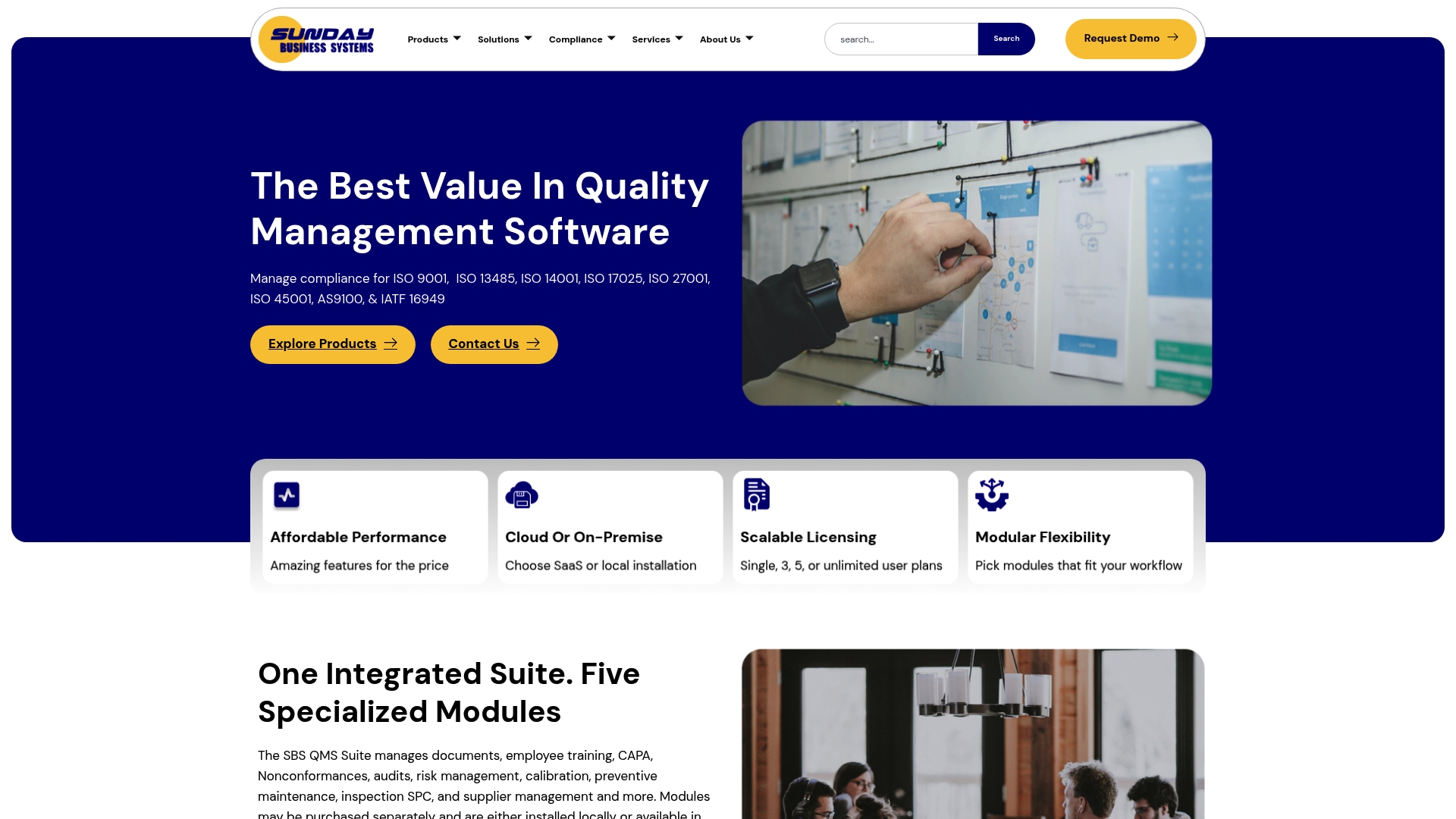
Sunday Business Systems reports fast implementation, often within hours, which stands out for teams replacing spreadsheets. The product targets regulated manufacturers with a modular toolset for document control, CAPA, audits, calibration, inspection, and supplier management. The suite can run in the cloud or on premise and emphasizes an intuitive, low training burden.
Core Features
The suite groups QMS capabilities into modular apps for document lifecycle and change control, employee training, CAPA, nonconformance, audits, risk analysis, calibration, preventive maintenance, inspection, and vendor management. It supports cloud or on premise deployment and scalable licensing so teams can add modules as needs grow. The Ground Control module handles electronic signatures and approval workflows while the system includes FMEA and SWOT risk analysis inside audit and review flows.
Key Differentiator
The vendor positions the product on a modular, scalable architecture with rapid deployment tailored to regulated industries. That design lets smaller quality teams adopt only the modules they need and scale up without a full platform migration. The modular approach reduces initial configuration and isolates regulatory workflows for aerospace, medical device, and industrial customers.
Pros
Affordable entry pricing and customizable options make the suite appealing for cost conscious teams, and the licensing model scales from single users to enterprise deployments. The interface is simple enough that inspectors and quality engineers learn daily tasks quickly, and the vendor reports implementation often completes in hours which shortens the time to audit readiness. Built in document lifecycle, electronic approvals, and risk tools support multiple standards including ISO 9001 and ISO 13485.
Cons
- User reports cite variable customer support responsiveness and occasional communication lapses.
- Some customers note additional or unexpected platform fees tied to specific modules or deployment choices.
- Depending on module selection and deployment mode, customization and scalability can be limited for complex enterprise workflows.
When It May Not Fit
Organizations that require deep, out of the box process customization for complex manufacturing sequences may need a different platform or a paid customization engagement. Teams that demand guaranteed fast vendor support for 24 7 operations may find response times inconsistent. Companies with very large, bespoke integrations should verify customization capabilities before committing.
Who It's For
Quality managers and compliance officers in small to mid size manufacturing, aerospace, and medical device firms looking for an affordable, easy to deploy QMS will find the product relevant. The suite fits teams that want modular adoption and want to replace spreadsheets with tracked document control and CAPA workflows. It also suits firms that need cloud or on premise options for regulatory or data residency reasons.
Real World Use Case
A manufacturing firm moved document control, CAPA, and audit tracking from spreadsheets into the suite and reduced manual handoffs. That change improved traceability between nonconformance records and corrective actions. Inspectors gained a single source for approvals and historical records used in management reviews.
Pricing
Pricing is variable. Individual licenses start at $499 while enterprise licensing runs into several thousand dollars. Specific quotes and volume pricing are available through direct contact with the vendor.
Website: https://sundaybizsys.com
QualiOne
At a Glance
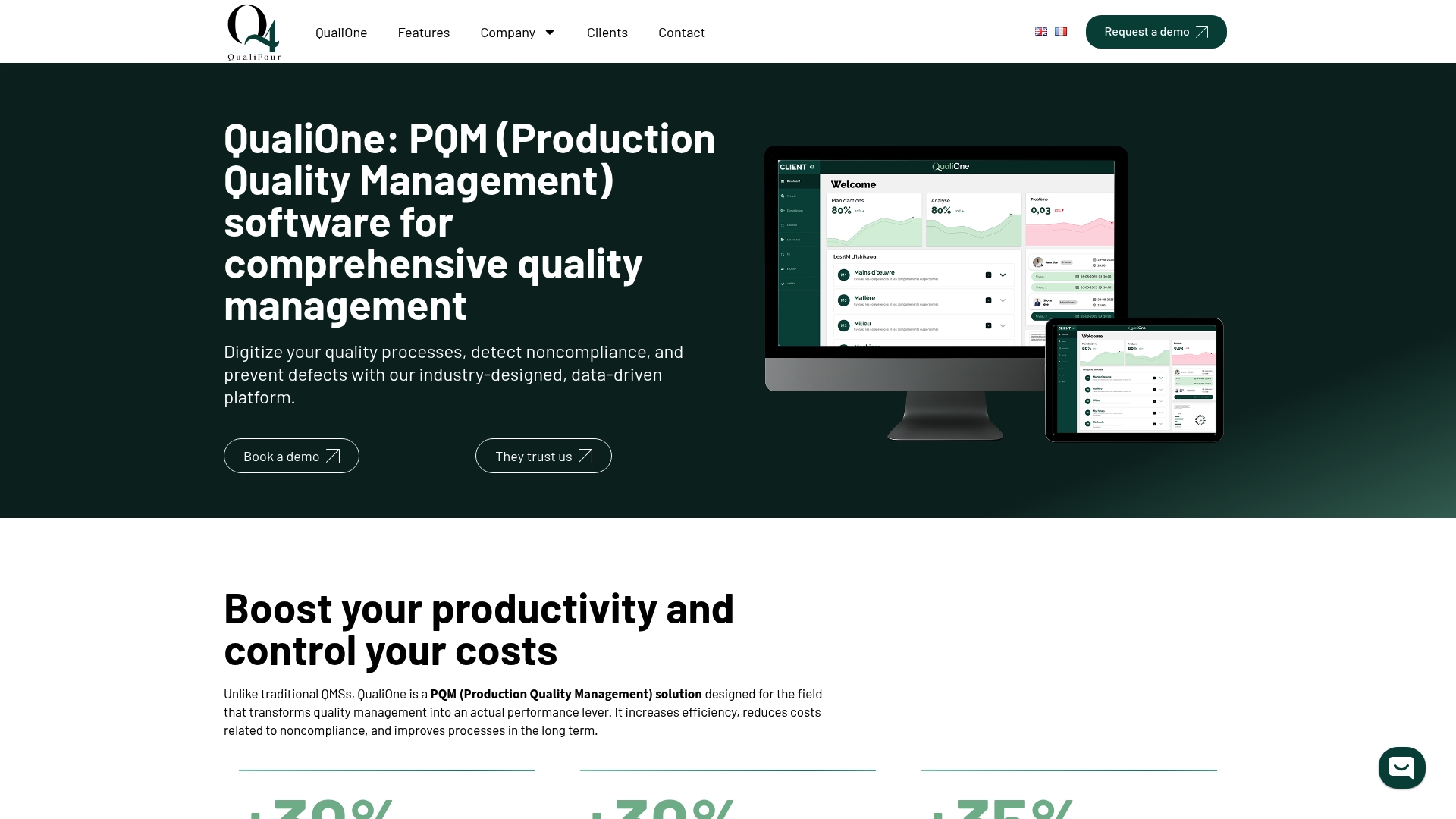
QualiOne connects directly to SAP, Oracle, and Microsoft Dynamics plus common ERP, MES, and CRM systems. The platform digitizes inspection records and routes nonconformities into automated workflows. That integration set makes centralized quality data visible across production systems.
Core Features
QualiOne digitizes quality processes, issues proactive real-time alerts, and routes nonconformities through automated workflows for audits and corrective actions. The platform includes module-level customization for forms and workflows and provides connectors and APIs for system integration. Document control and role-based access sit alongside reporting and KPI monitoring.
Key Differentiator
QualiOne's marketing materials claim the platform transforms quality into a performance lever by combining real-time data, automation, and customization. That emphasis on configurable modules and direct ERP integration separates it from checklist-focused tools. The vendor positions the product for regulated manufacturing sectors.
Pros
Document control and compliance management are prominent, which helps maintain audit trails and version history across sites. The user interface is clear, so teams adopt the system with less training time. Customer support and onboarding are reported as responsive, and module customization reduces the need for custom coding when mapping quality workflows. Integrations with major ERPs let quality data feed production and business systems.
Cons
- Limitations in advanced risk assessment tools affect teams that require formal risk quantification for FMEA workflows.
- Navigation and document editing can feel clumsy for power users managing large libraries.
- No bulk download for documents or reports slows offline archive processes.
- Some editing workflows lack flexibility when multiple approvers must iterate on the same document.
When It May Not Fit
QualiOne is a weaker choice when formal, advanced risk analysis is central to the program. It does not suit teams that need built-in bulk export for long term archiving. Organizations that prefer a minimal, lightweight inspection app will find the platform broader than necessary.
Notable Integrations
- ERP systems including SAP, Oracle, and Microsoft Dynamics
- MES and CRM platforms via APIs and connectors
Who It's For
This product fits quality managers, production managers, and compliance officers in regulated manufacturing who need centralized, audited records across sites. It matches teams that must link quality events to ERP and MES data. It is less suitable for shops seeking a single-purpose inspection app.
Real World Use Case
A pharmaceutical manufacturer used QualiOne to centralize audit documentation and automate nonconformity workflows. The system routed corrective actions to responsible teams and tracked closure status. That setup reduced time spent assembling compliance packs before regulatory inspections.
Pricing
Pricing is listed as not applicable and informational only. Prospective buyers must contact QualiOne for license terms and deployment options.
Website: https://quali4.com
Comparison of alternatives
Selecting quality inspection software often involves balancing automated data handling with team scaling needs. Different tools offer specialized strengths across dimensions such as integration, usability, and pricing models.
Integration and Automation
QA Platform Enterprise excels in its direct connection between automated ballooning and measurement workflows, reducing manual operations for audit-ready reports. Instead of isolated steps, its integration of CMM outputs into dimensional validation processes simplifies workflows. Conversely, QualiOne provides ERP connectivity, making it an ideal choice for firms embedding quality data into enterprise systems. However, its limitations in risk assessment tools require careful consideration.
Ease of Use and Accessibility
MonitorQA prioritizes user-friendly deployment and mobile capabilities, ensuring inspections across numerous locations are intuitive. Its AI-assisted template builder facilitates fast onboarding for distributed teams. While Sunday Business Systems delivers simplicity with modular tools tailored for smaller operations, customer feedback notes that support responsiveness may vary, impacting immediate implementation needs.
Best fit
- For organizations demanding audit-ready dimensional reporting with integrated CMM workflows, QA Platform Enterprise delivers precision and compliance standards.
- For teams prioritizing intuitive mobile inspection for distributed locations, monitorQA offers stable and accessible tools.
- For firms seeking modular tools for scalable document control and CAPA functionalities, Sunday Business Systems proves adaptable and cost-effective.
- For operations leveraging ERP and MES integrations for quality traceability, QualiOne enables effective visibility and automation.
Our pick
QA Platform Enterprise delivers unique integration of advanced automation tools for dimensional validation and audit-ready reports, distinguishing itself among available solutions. Teams handling regular CMM data will benefit most from its streamlined processes for traceability and compliance. For those focusing on mobile inspection capabilities or ERP system integrations, alternative options such as monitorQA or QualiOne are worth considering.
Choose quality inspection software based on integration capabilities, scalability, and key differentiators for regulated industries.
| Product | Core Feature | Key Differentiator | Pricing | Notable Limitation |
|---|---|---|---|---|
| QA-Report | AI auto-ballooning, CMM compatibility | Integrated reports with live measurement | Free, $49.99–$149.99/month | UI complexity during initial adoption |
| monitorQA | AI audit templates, mobile inspections | Evidence linking and rapid auditing | Starting at $19/user/month | Less economical for smaller operations |
| Sunday Business Systems QMS Software Suite | Modular QMS tools for CAPA, audits | Scalable modular architecture | Starting at $499/license | Communication lapses in customer support |
| QualiOne | ERP and MES integration | Customizable real-time quality workflows | Price not published | Limited advanced risk assessment tools |
How Can Your Team Improve Corrective Actions and Inspection Reporting?
Quality assurance managers and inspection engineers face challenges linking corrective actions directly to measurement data while meeting strict regulatory standards. QA-Report addresses this by automating drawing ballooning and tying CMM measurement points to dimensional and GD&T reports. This removes hours of manual work and eliminates transcription errors that disrupt traceability. The system also supports batch tracking and role-based access to keep shop-floor inspections efficient.

See how QA-Report consolidates your First Article Inspection and audit-ready reports in minutes. Visit QA-Report to learn how your aerospace, automotive, or medical device team can adopt a centralized platform that integrates inspection data with corrective action workflows for faster, accurate outcomes.
FAQ
What is the primary feature of QA-Report that supports effective corrective actions?
QA-Report performs AI auto-ballooning that links ballooned drawing callouts directly to imported measurement points from CMM machines. This feature eliminates manual dimension matching and allows for efficient validation of tolerances within the same workflow. Teams can expect fast and accurate generation of audit-ready reports, making the process smoother and more reliable.
How does monitorQA compare to QA-Report in terms of user experience?
monitorQA is known for its ease of use and stable syncing between mobile and web applications. QA-Report excels in integrating CMM outputs into an interactive reporting structure that simplifies the auditing process. If your priority is a user-friendly interface with fast setup, monitorQA might be appealing, while QA-Report better addresses needs for detailed inspection and corrective action reporting.
What pricing options are available for QA-Report?
QA-Report offers a Free tier, Basic at $49.99/month, and PRO at $149.99/month. Custom solutions are available for larger organizations, allowing teams to choose a plan that best fits their operational needs.
Which platform is better for centralized quality data across production systems?
QualiOne specializes in integrating with major ERP systems like SAP, Oracle, and Microsoft Dynamics to centralize quality data. QA-Report primarily focuses on inspection and corrective action workflows through its AI capabilities. Choose QualiOne for broader ERP integration needs, while QA-Report is ideal for detailed inspections tied to CMM data.
How quickly can teams implement QA-Report?
Teams can expect fast implementation of QA-Report, often completing setup within hours. This rapid deployment allows organizations to quickly transition from manual processes to an automated quality inspection system, ensuring a quicker path to being audit-ready.