Manual inspection reporting tied to engineering drawings, CMM data, and supplier audits often drags down quality teams with rework and slow compliance checks. Many software options still keep advanced automation or CMM integration out of reach for smaller teams, and transparent pricing is rarely listed upfront. This comparison examines price, automation, document control, and CMM features across five top alternatives so quality professionals can pick a system that matches their team's needs.
Table of Contents
QA Platform
At a Glance
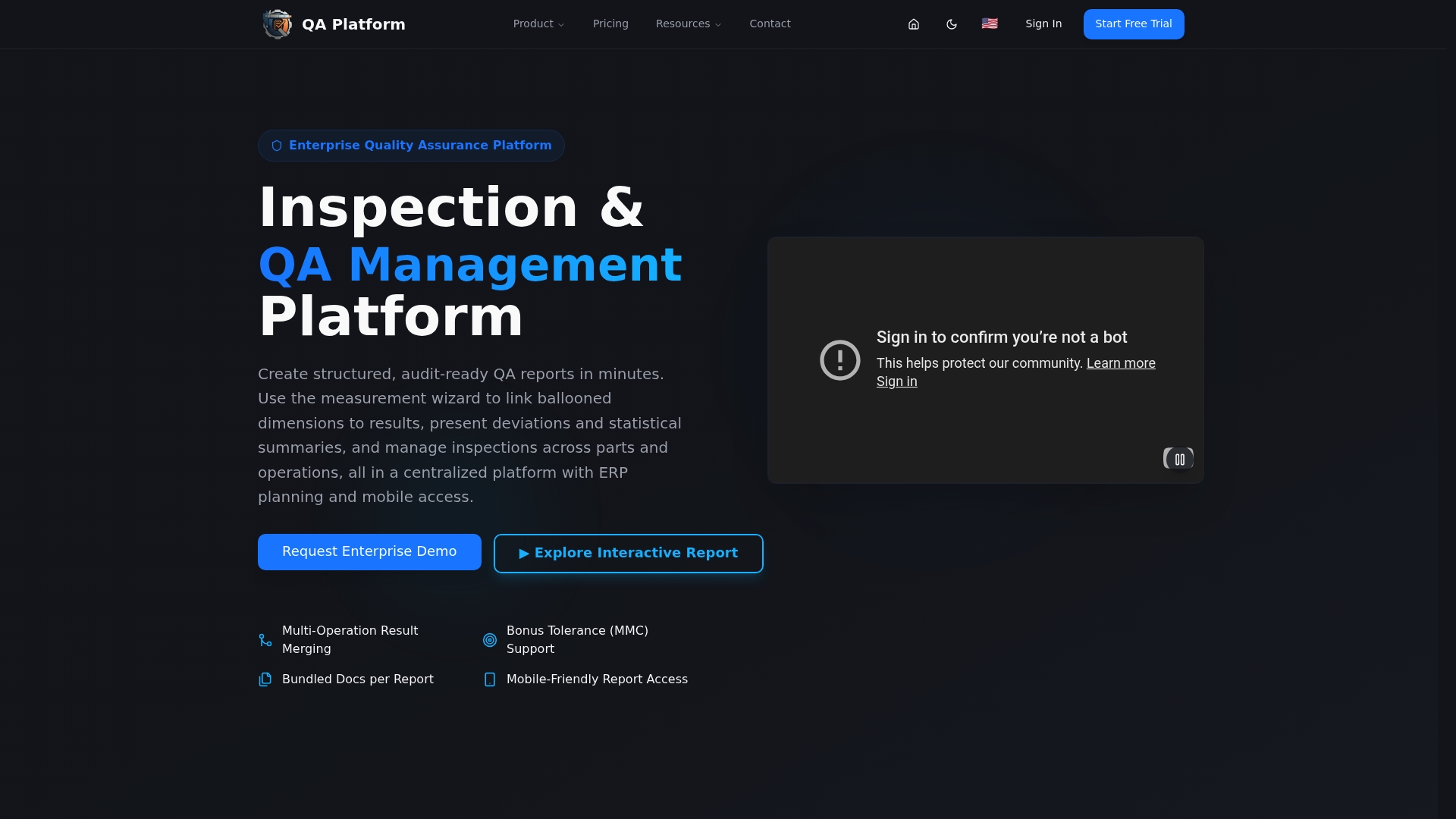
AI powered automatic drawing ballooning extracts dimensions and tolerances directly from engineering drawings and removes hours of manual prep. According to the company, the platform generates reports that meet ISO 9001, AS9100, and PPAP requirements.
Core Features
QA-Report runs as a cloud based quality inspection and reporting platform for manufacturers, machine shops, and quality engineers. The measurement wizard links ballooned drawing dimensions to measured results, auto flags out of tolerance deviations, and produces audit ready FAI, dimensional, and GD&T inspection reports in minutes. The product also includes a built in 3D CAD viewer that accepts STEP and IGES files, multi platform CMM data import, tolerance validation, and a simple export path to PDF and Excel.
Key Differentiator
The standout capability is AI powered automatic drawing ballooning paired with seamless CMM imports from common platforms. That combo removes manual ballooning and the repetitive task of matching drawing dimensions to measurement rows. The result is fewer transcription errors and faster report turnaround for inspection teams.
Pros
The platform supports AS9102 and other industry standards and integrates with common CMM vendors, which helps suppliers meet client expectations. Automated data entry, validation, and report generation reduce manual work and lower human error during inspections. An integrated MES layer adds production controls with route cards, kanban and Gantt planning, rejection and recovery tracking, and role based shop floor access.
Cons
- The product settings and workflow options can require a learning curve for new users.
Who It's For
Manufacturing quality professionals, inspectors, and quality managers in aerospace, automotive, medical device, and heavy manufacturing will get the most value. Teams that use CMM equipment and must deliver formal FAI or PPAP packages benefit from the CMM import and GD&T support. Smaller shops with limited QA resources can use the free trial to evaluate fit before a paid plan.
Unique Value Proposition
The measurement wizard that links ballooned drawing dimensions to measured results changes how inspection data flows. Instead of manually mapping features between drawings and measurement logs, inspectors work from a single linked view that validates tolerances automatically. For operations that bill or report by batch, that saves inspector hours on every part and reduces rework from mapping errors.
Real World Use Case
An automotive supplier automates CMM inspection reports with QA Platform to remove manual data entry. Inspectors load CMM output, use the measurement wizard, and export interactive reports for clients and auditors. That process speeds delivery and keeps audit documentation consistent across shifts.
Pricing
Plans include a Free tier, Basic at $49.99 per month, PRO at $149.99 per month, and Enterprise with custom pricing. The vendor also advertises a free trial so teams can test CMM workflows before committing to a paid plan.
Website: https://qa-report.com
QMS2GO
At a Glance
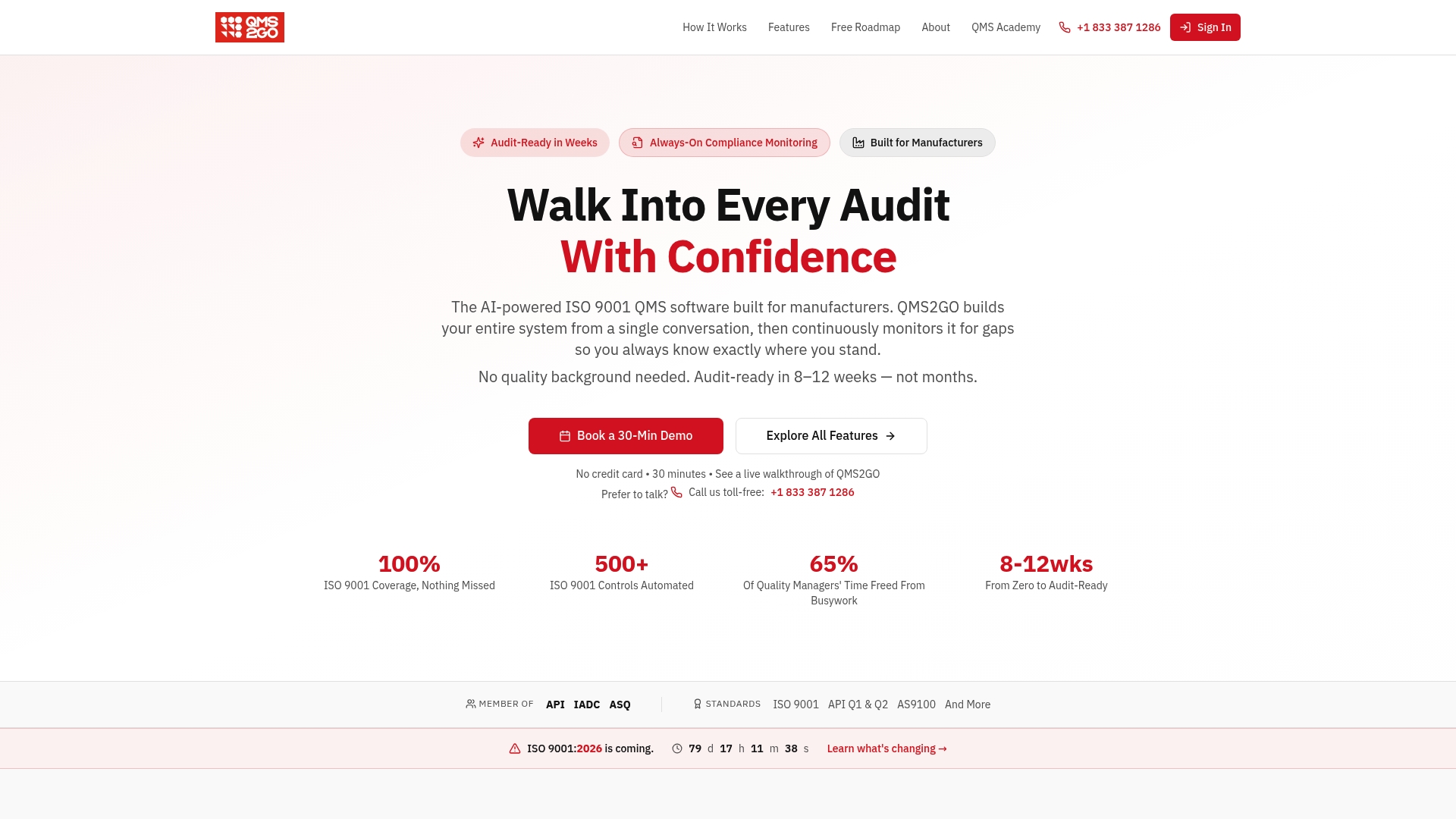
QMS2GO's marketing materials state it can make an organization audit ready in 8–12 weeks. That claim targets manufacturers who need a fast path to ISO 9001 certification. The platform combines AI driven QMS creation with continuous monitoring and operational controls to shorten setup and maintenance work.
Core Features
QMS2GO builds a QMS from conversational input using AI driven QMS creation, then keeps the system current with continuous compliance monitoring and real time dashboards. It includes AI guided procedure and document management plus automated risk and gap analysis tailored for ISO 9001 and the upcoming ISO 9001:2026 update.
Key Differentiator
The platform's main distinction is its built in AI guidance and automation that targets that eight to twelve week timeframe. That approach replaces manual procedure drafting and basic gap analysis with guided workflows and automated alerts, shifting effort from creation to verification.
Pros
QMS2GO shortens initial implementation by automating document and procedure creation, which reduces manual drafting and review tasks. The platform centralizes quality activities so teams can view compliance, nonconformances, and corrective actions from a single set of dashboards. Real time insights and AI support help quality staff prioritize gaps and prepare for audits with less repetitive work.
Cons
-
Limited customizability: third party reviews note restrictions for highly complex QMS structures, which may block niche regulatory flows.
-
Migration effort: organizations with extensive existing documentation will face adaptation and mapping work to fit QMS2GO's templates.
-
Pricing transparency: pricing is not publicly listed on the website and requires direct inquiry.
When It May Not Fit
Companies that require deep, bespoke QMS workflows or industry specific modules may find QMS2GO too prescriptive. Long established programs with large legacy document sets could spend substantial time migrating content. Teams needing clear, published pricing before engagement will need to contact sales for a proposal.
Who It's For
Manufacturing firms and quality teams aiming to achieve or maintain ISO 9001 certification quickly will get the most value. Small to mid sized operations that lack a full time quality documentation resource will benefit from the AI guided setup and continuous monitoring features. Organizations with heavily customized compliance needs should evaluate fit carefully.
Real World Use Case
A medical device manufacturer used QMS2GO to build and monitor its ISO 9001 system, cutting audit preparation from several months to a few weeks. Automated alerts and AI guided procedures reduced manual tracking and kept evidence organized for auditors. The team reported faster report generation and fewer ad hoc document requests during audits.
Pricing
Pricing is not available on the public site. Prospective customers must contact QMS2GO for quotes and deployment options. The vendor offers tailored pricing based on organization size and required services according to sales materials.
Website: https://qms2go.app
Qlutch QMS
At a Glance
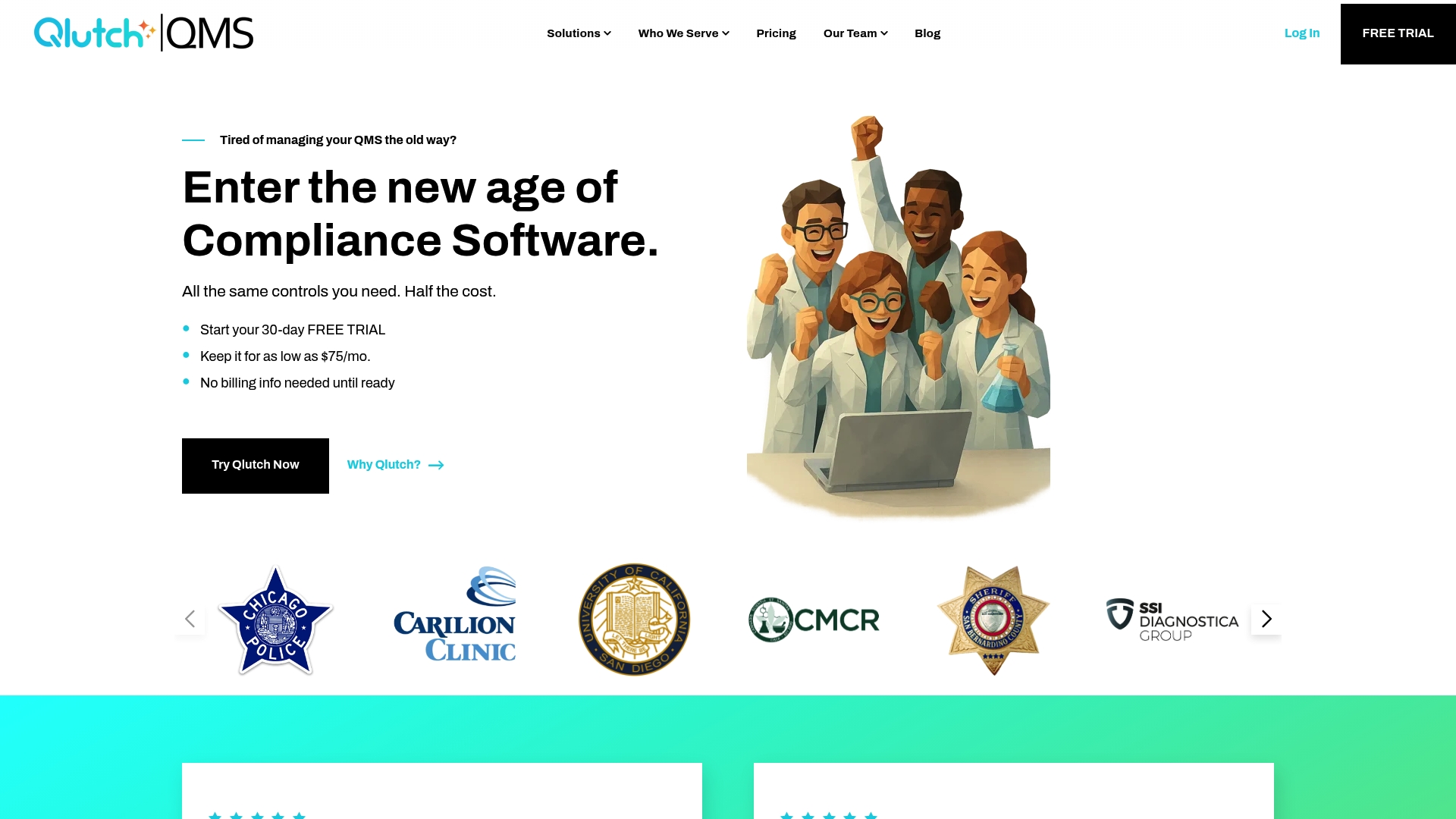
Starting at $75/month, Qlutch targets teams that need an affordable, modular quality management system with quick deployment. The vendor advertises a focus on document control, inspection checklists, and form automation. That price point makes it an obvious first option for small labs and quality teams with tight budgets.
Core Features
Qlutch bundles secure document storage with version control and automated approvals alongside digitized inspection checklists and real-time tracking. The platform offers purpose-built apps such as Document Management, Checklist & Inspection Management, and Form & Flow Management, which link workflow automation to data collection. Qlutch reports compliance with ISO 9001, ISO 17025, and FDA regulations, and it includes role-based permissions and activity logs for audit readiness.
Key Differentiator
Built with ISO experts, Qlutch emphasizes a simplified compliance path and practical document controls rather than an overwhelming feature set. This focus reduces the setup complexity that often stalls QMS projects. The modular app model lets organizations add only the capabilities they need.
Pros
The interface requires minimal training, so inspectors and lab technicians can adopt it quickly. Modular pricing and a small-app approach let organizations keep recurring costs reasonable while adding functionality over time. Customer support is responsive and knowledgeable, which helps during onboarding and the first audits. Quick setup shortens the period from purchase to audit-ready operations.
Cons
- Pricing examples suggest higher costs at scale, which may concern larger organizations with many users and apps.
- Public information on advanced integrations and deep customization is limited, so complex IT ecosystems may need additional tooling.
- The platform concentrates on document and process management and may lack advanced analytics or reporting expected by some quality engineers.
When It May Not Fit
Organizations that need heavy custom integrations or enterprise analytics will find Qlutch limiting. Companies with hundreds of concurrent users could see licensing costs rise beyond the advertised entry price. If your team relies on a broad ecosystem of prebuilt connectors, you should verify integration options before committing.
Who It's For
Small to midsize organizations, regulatory labs, and quality teams that prioritize fast implementation and straightforward document control will find Qlutch a good match. It fits teams preparing for audits and those that prefer an app-by-app approach to add functionality. Large enterprises with extensive customization needs are less likely to benefit.
Real World Use Case
A forensic laboratory moved document control, standard operating procedures, and audits into Qlutch to reduce paper and version errors. Inspectors used the checklist app on tablets to record results, which cut turnaround time for audit reports. The lab kept its ISO and regulatory traceability while reducing manual filing.
Pricing
Pricing starts at $75/month and varies by number of users and selected apps. Licensing depends on the chosen modules and the user count, so total cost scales with adoption. Contact the vendor for a tailored quote for higher user volumes.
Website: https://qlutchqms.com
High QA
At a Glance
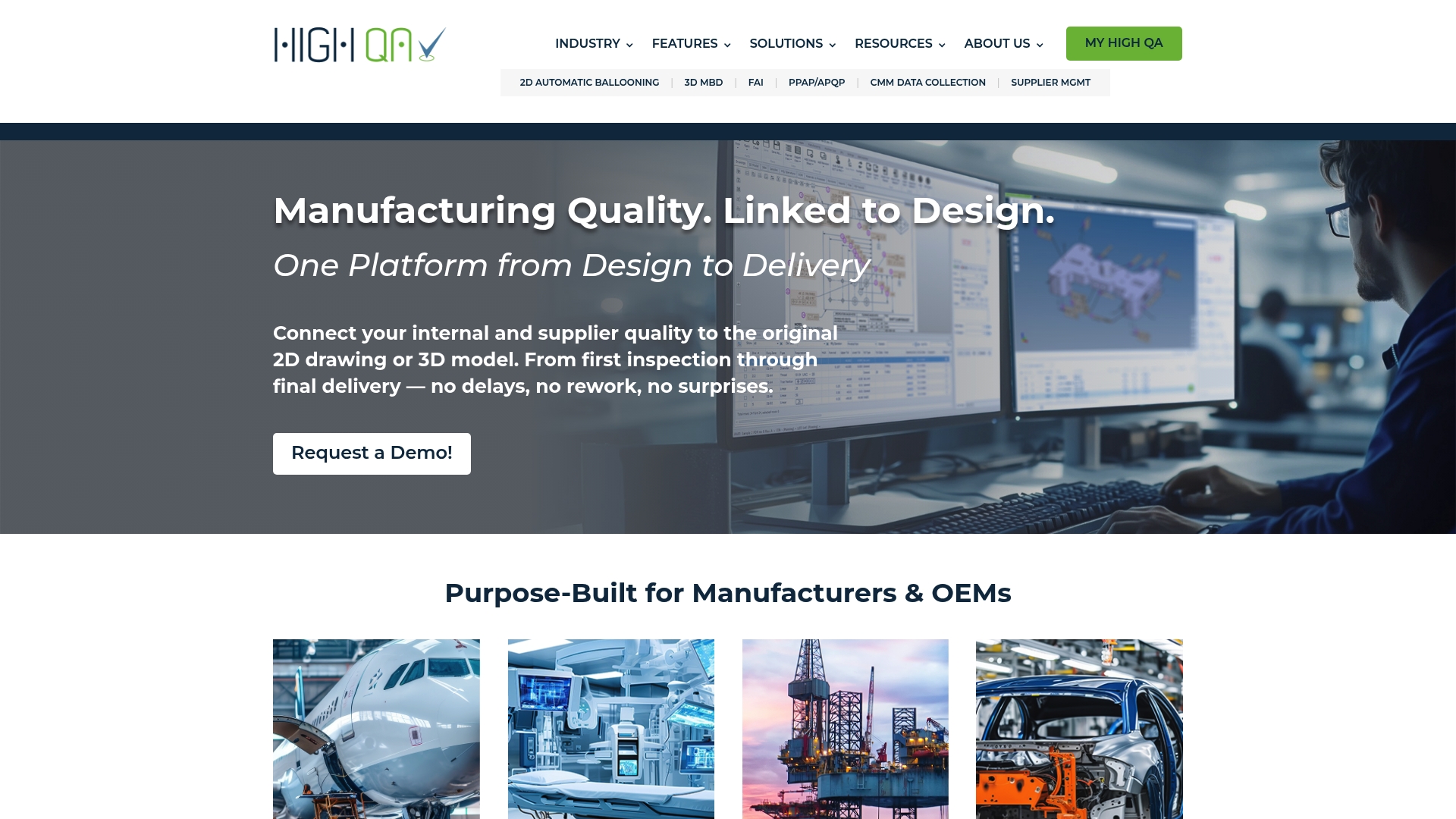
Native 3D MBD is embedded in the High QA 360™ platform, linking CAD models directly to inspection and reporting workflows. Automatic 2D and 3D ballooning with GD&T extraction removes much of the manual drawing prep. Deployment choices include cloud, on premises, and hybrid to fit shop floor or enterprise IT needs.
Core Features
High QA combines inspection planning, reporting, supplier portals, and real time production analytics into a single suite that spans design to delivery. Key automation includes automatic 2D and 3D ballooning, GD&T extraction, digital signatures, and data exchange for NCRs, FAI, and PPAP. The product family includes Inspection Manager™, 360 CORE, and 360HUB, plus connectors for ERP, CAD, PLM, and metrology tools.
Key Differentiator
The standout capability is the embedded native 3D MBD, which keeps model annotations and manufacturing intent tied to inspection sequences. That connection lets inspection steps reference the same geometry and tolerances used by design teams. The result is fewer interpretation errors between engineering and quality.
Pros
High QA reduces manual drawing work through automated ballooning and GD&T extraction, which lowers clerical error and saves inspector time. The suite supports industry standards such as ISO, AS, CMMC, and ITAR, which helps regulated manufacturers maintain traceability across parts and suppliers. Flexible deployment options let IT choose cloud, on premises, or hybrid setups to match security and integration needs. Real time analytics and supplier portals improve visibility for multi site operations and help prioritize corrective actions.
Cons
-
Setup and integration can be complex for new users. Third party reviews report lengthy initial configuration and IT involvement.
-
The feature set is broad. Teams may need formal training to use advanced modules effectively.
-
Public pricing is not listed. Lack of clear public pricing can complicate early budget planning.
When It May Not Fit
Organizations with minimal internal IT resources may struggle during initial integration without vendor or partner support. Small shops needing only basic inspection forms may find the system more involved than necessary. Buyers that require published, predictable list pricing will need to request a formal quote.
Notable Integrations
-
ERP systems such as SAP and Oracle.
-
CAD and PLM tools including SolidWorks, CATIA, and Siemens NX.
-
CMM and metrology devices from Mitutoyo, ZEISS, and Hexagon.
Who It's For
Manufacturers and OEMs that need to connect design data to inspection across suppliers and plants. Best for teams that manage GD&T heavy drawings, require traceable FAI and PPAP workflows, or operate under regulated standards and need centralized quality records.
Real World Use Case
The vendor reports a Tier 1 automotive supplier automated inspection and reduced cycle times by over 80% after deploying High QA. That change also improved data accuracy and allowed the supplier to scale consistent inspection practices across multiple plants.
Pricing
Pricing is not publicly specified. Prospective buyers must contact High QA for a quote based on modules, deployment type, and integration scope. The vendor evaluates implementations per site and typically scopes price to feature set and device connectors.
Website: https://highqa.com
1factory
At a Glance
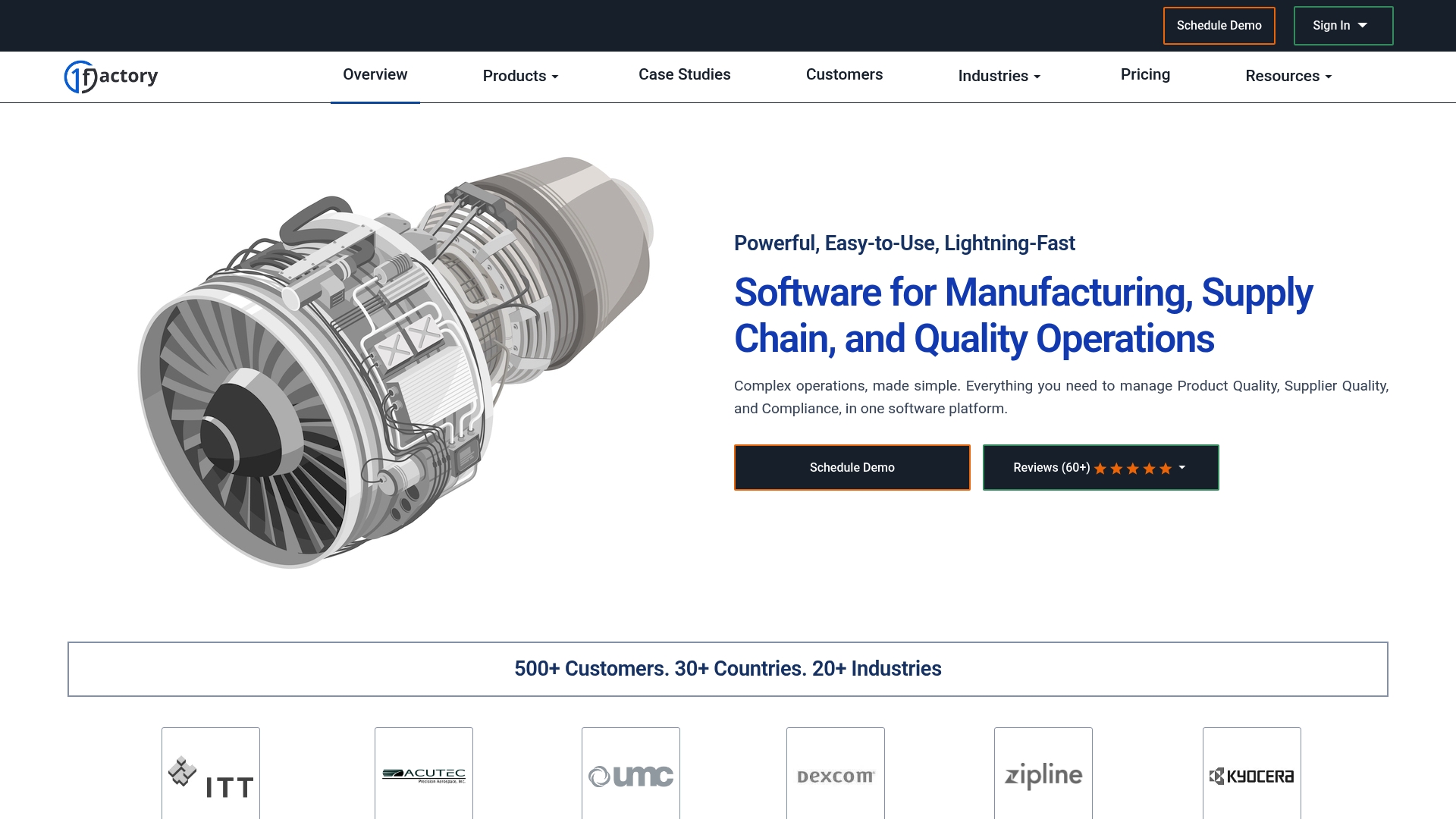
1factory reports more than 500 customers in 35 countries. That user footprint suggests the product has traction across varied manufacturing environments.
The platform bills fast deployment and a manufacturing-first design. It focuses on reducing manual paperwork and audit prep time for production and supplier teams.
Core Features
The system covers product quality, supplier quality, and a formal quality management system while managing incoming inspections, inspection plans, in-process checks, and final inspection workflows. It links PDF auto ballooning with First Article Inspection (FAI) and automated CMM data import to cut manual drawing work.
Quality controls include PPAP elements such as PFMEA, control plans, and process flow documentation. The platform also handles nonconformance and MRB, statistical process control and capability metrics, gage calibration and R and R, supplier approval and qualification, plus document control and training records for audit preparation.
Key Differentiator
According to the company, deployment can complete within hours and start delivering value quickly. That implementation claim sets 1factory apart for users who need rapid adoption without long IT projects. The tool’s design intentionally reflects shop floor practices rather than office-only workflows.
Pros
Fast implementation and a factory-oriented user model reduce disruption when an operator or quality engineer begins using the system. The feature set brings inspection planning, supplier qualification, PPAP documentation, and CMM data import into the same workflow, which lowers handoffs between systems.
Audit preparation and compliance tasks are grouped with document control and training tracking, which helps inspectors and auditors find evidence quickly. The vendor emphasizes practical manufacturing requirements, so workflows align with typical shop floor steps rather than academic checklists.
Cons
- Limited independent user feedback is publicly available. That lack of third-party reviews makes it harder to verify long term support and adoption patterns.
- The platform appears oriented toward medium to large manufacturers. Very small shops or single-user operations may find the scope more than they need.
- Specific third-party integrations are not detailed. Teams that require tight ERP or PLM links should confirm supported connections before committing.
- Pricing is not published and likely uses custom quotes. That approach can complicate budget planning for smaller buyers.
Who It's For
Manufacturers that need a practical quality management system and supplier oversight will get the most from 1factory. The product suits medium to large production teams that run FAI, PPAP, or CMM-based inspections and want an enterprise ready inspection record system.
Real World Use Case
A precision parts shop implements 1factory to bring incoming inspection and supplier FAIs into one tracked workflow. Inspectors use PDF auto ballooning and automated CMM import to reduce manual transcription, which shortens report creation and lowers rework rates.
Pricing
Pricing is not specified and appears to be custom or quote based. Prospective buyers should request a tailored proposal and implementation estimate from the vendor to compare total cost of ownership.
Website: https://1factory.com
Comparison of alternatives
qa-report.com provides advanced automation in quality inspection workflows, simplifying processes compared to its competitors.
Workflow Automation and Efficiency
QA-Report.com demonstrates notable advantages in workflow automation, utilizing its AI-powered ballooning feature alongside direct integration of measurements, effectively reducing manual input. Conversely, High QA offers extensive deployment options, aligning with enterprise-level IT needs, though its configuration demands significant time for team acclimation. QMS2GO provides rapid QMS creation but assumes firms have limited prior infrastructure. Qlutch is effective for teams with narrow needs, opting for modular pricing and lightweight deployment, making initial setup straightforward.
Pricing and Accessibility
Qlutch QMS excels in entry-level affordability, offering a $75/month start point with modular pricing suited for small teams. QA-Report.com provides competitive built capacities in its tiers, beginning with a free trial boosting accessibility, advancing through scaled pricing accommodating both small shops and enterprise demands. High QA's custom pricing scales for extensive integrations and grounds enterprise-grade expansion; however, transparent upfront amounts are not disclosed, which can hinder preliminary evaluations.
Best fit
- Manufacturing teams transitioning to automated inspection workflows with CMM integrations will maximize efficiency using QA-Report.com.
- Firms prioritizing minimal onboarding complexity and immediate implementation benefits should consider 1factory's rapid adoption capacity.
- Small labs focusing on agile budget management and simple document workflows will benefit from Qlutch's modular app system.
- Large enterprises requiring granular controls, bespoke integrations monitoring supply metrics, and real-time analytics should value High QA's scalability.
Our pick
QA-Report.com facilitates proven turnaround enhancements for inspection professionals through AI automation integrated with linked measurement tools, propelling standards compliance workflows effectively. For industries requiring rapid setup without high AI dependency, other options such as 1factory may provide quicker starts. QA-Report.com leads in profound connections and data clarity, bridging inspection protocols efficiently.
Here is a concise overview of quality inspection and reporting tools to support manufacturing teams seeking streamlined solutions.
| Product | Core Feature | Key Differentiator | Pricing | Limitation |
|---|---|---|---|---|
| QA-Report | AI-powered automatic drawing ballooning | CMM integration, minimal manual prep | Free to $149.99/month | Learning curve for new users. |
| QMS2GO | AI-guided QMS creation and monitoring | Fast ISO 9001 system implementation | Price not published | Limited customizability of complex workflows. |
| Qlutch QMS | Modular document and inspection management | Affordable, entry-level options | Starting at $75/month | Costs increase with scale and modules. |
| High QA | Integrated native 3D MBD | CAD to inspection data synchronization | Price not published | Complex setup and integration. |
| 1factory | Factory-oriented quality and supplier tools | Rapid deployment focus | Price not published | Limited public feedback and integration details. |
How to Overcome Common Quality Management Challenges for Small Businesses
Quality management software for small business often struggles with manual drawing preparation and error-prone data entry. QA-Report addresses these issues by automating drawing ballooning and linking ballooned dimensions directly to measurement results. This approach eliminates hours of manual work and reduces transcription mistakes that delay report delivery.
QA-Report supports ISO 9001, AS9100, and PPAP compliance while providing a built-in 3D CAD viewer and CMM data import to enhance inspection accuracy and traceability. Your team can generate professional First Article Inspection (FAI), dimensional, and GD&T reports quickly in one centralized cloud platform.
Explore QA-Report’s features and start creating audit-ready inspection reports with automated workflows today. See how the measurement wizard can link your drawing dimensions to actual measurements and produce PDF reports that meet industry standards.
FAQ
What is the automation capability of QA-Report?
QA-Report features AI powered automatic drawing ballooning, which extracts dimensions and tolerances directly from engineering drawings. This capability reduces manual preparation time significantly, allowing inspection teams to generate audit-ready reports quickly. Organizations should expect faster report turnaround times as a result.
How does QMS2GO compare to QA-Report?
QMS2GO excels in automating document and procedure creation, helping organizations achieve ISO 9001 certification efficiently. QA-Report, on the other hand, is tailored for teams that require detailed inspection workflows, particularly in industries needing robust GD&T support. Users needing specific types of quality management software will find both options suitable for their needs.
How quickly can QA-Report generate inspection reports?
QA-Report can produce FAI, dimensional, and GD&T inspection reports in minutes thanks to its measurement wizard and automated processes. This speedy generation allows quality professionals to focus on critical inspection tasks rather than paperwork. Organizations looking for efficiency will appreciate this quick turnaround.
Can I implement QA-Report in a small business?
Yes, QA-Report is an excellent fit for small businesses, especially those in manufacturing or machine shops that require quality inspection and reporting software. The free trial allows teams to assess its features without any commitment, making it a suitable starting point for businesses with limited QA resources.
What kind of data import capabilities does QA-Report have?
QA-Report includes multi-platform CMM data import, which simplifies the integration of measurement data from various CMM vendors. This feature helps streamline the inspection process, providing teams the flexibility they need when working with different CMM devices. Users can expect a smoother workflow when linking inspection data to reports.