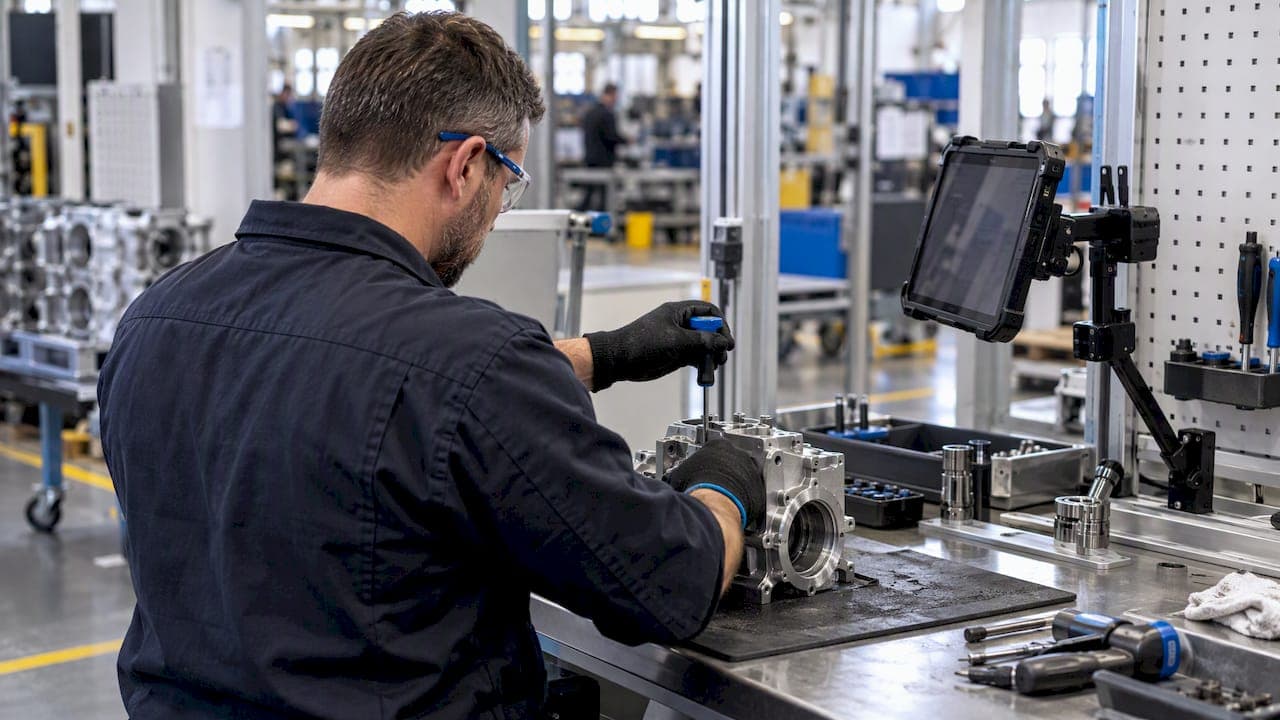
Digital work instructions replace paper travelers and static PDFs with interactive, step-by-step guidance on tablets, kiosks, or headsets, and they measurably speed up task completion while cutting errors and mental strain on the floor. A 2023 case study on turbine-blade repair found 21% faster task completion and 26% lower perceived workload versus paper-based documents. We recommend piloting on a single high-variation task before committing to a plant-wide rollout.
TL;DR:
- Digital work instructions can reduce task completion time by up to 21% and lower perceived workload by 26% in high-variation, high-consequence tasks.
- Using multimedia, 3D views, and AR overlays appropriately improves accuracy and speed, but cluttered or over-digitized content increases cognitive load during early adoption.
- Pilot programs should focus on one or two high-impact tasks for two to four weeks, linking instructions directly to process systems and establishing clear KPIs.
- Content creation relies on subject matter experts demonstrating tasks, with short videos and visuals prioritized over lengthy text, then validated before deployment.
- Device selection and offline support are crucial, as unsuitable hardware or connectivity gaps often cause pilot failures and undermine the benefits of digital instructions.
Table of Contents
- What digital work instructions are and why they matter on the shop floor
- Empirical evidence and case-study outcomes
- Implementation checklist: plan, author, deploy, govern
- Authoring and content design best practices
- Integration and standards: ISA-95, MES connections, and auditability
- Measuring success: KPIs, pilot design, and interpreting results
- What teams consistently get wrong when they start
- How QA-Report fits into a digital work instructions rollout
- FAQ
- Sources
What digital work instructions are and why they matter on the shop floor
Digital work instructions take several forms depending on the task. Electronic work instructions (EWI) on tablets are the most common starting point, followed by interactive checklists that force step confirmation, multimedia instructions with embedded video or photos, 3D CAD viewers for spatial reference, and augmented reality (AR) overlays for locating features directly on a part.
Each form fits a different job on the floor:
- Tablet-based EWI: best for linear assembly, inspection checklists, and routine changeovers.
- Multimedia steps: short video or annotated images that clarify a tricky motion or torque sequence.
- 3D/CAD overlays: useful when operators need to orient a part correctly before working on it.
- AR overlays: reserved for spatial, object-specific repair where exact location matters.
The operational payoff includes faster task completion, fewer omitted steps, smoother onboarding for new hires, and a built-in audit trail that paper simply cannot produce. ROI shows up fastest on high-variation, high-consequence tasks, the kind where a missed step is expensive. Converting a stable, low-risk, rarely changed procedure to digital format can be premature: the labor of authoring and maintaining it may outweigh the benefit.
Empirical evidence and case-study outcomes
The clearest data point comes from a 2023 turbine-blade repair study comparing AR-based digital instructions with paper documents for a manual, object-specific repair task.

The AR group recorded substantially faster task completion and notably lower perceived workload, with the workload difference confirmed by a paired t-test. That result is specific to spatial, locational repair work and should not be generalized to every process type.
Separate research from RWTH Aachen found that digitally animated, interactive instructions improved learning speed and reduced defects compared with static technical drawings, consistent with multimedia learning theory, which holds that combining visual and verbal information reduces cognitive load when designed well.
Instructions that are cluttered or over-digitized can increase cognitive load rather than reduce it, particularly during early adoption when the interface itself is unfamiliar.
That caution comes from human-computer interaction research on work instruction difficulty and cognitive load, and it is the reason pilot design matters as much as the technology choice.
Implementation checklist: plan, author, deploy, govern
A structured rollout avoids the two most common failure modes: over-digitizing everything at once, or digitizing without linking instructions to the systems that keep them current.
- Plan: pick one or two pilot tasks with high variation or high defect cost, map every process step, and set baseline KPIs, time to complete (TCT), defect rate, and training time, before changing anything.
- Author: record a subject matter expert performing the task, favor short clips and visual-first steps over text blocks, and use programming-by-demonstration tools where available to cut authoring time.
- Deploy: choose the device that fits the task (tablet for most linear work, a headset only where spatial overlay adds real value), build in offline sync for areas with weak connectivity, set role-based access, and link each instruction to its route card and bill of materials.
- Govern: require an approval workflow for every revision, version-control the content, and make sure a process change automatically flags every instruction tied to it for review.
Pro Tip: Pilot on one task family for two to four weeks before expanding; a short, measured trial exposes device and content problems before they scale across the plant.
The most frequent pitfalls are content kept in departmental silos, converting procedures that never needed to be digital, and skipping the link between instructions and the MES layer that tracks production.
Authoring and content design best practices
Good authoring is less about software and more about discipline: deliver only what the operator needs for the step in front of them, not the entire procedure at once. Full-procedure dumps are a leading cause of the cognitive overload documented in recent HCI research.
- Use short video or annotated stills instead of paragraphs wherever a motion or orientation is involved.
- Reserve 3D/CAD views and AR overlays for tasks where spatial location genuinely matters, not as a default for every step.
- Record the subject matter expert performing the actual task rather than writing instructions from memory.
- Follow the recording with a quick editorial pass, then have a second operator validate the sequence before publishing.
- Add lightweight translations only where the workforce needs them, rather than localizing every instruction up front.
This SME-first workflow mirrors what programming-by-demonstration research has shown: letting an expert demonstrate the work, then layering a short review on top, produces instructions that are both accurate and fast to create. The same logic applies in adjacent fields; a partner case study on alternator remanufacturing shows how capturing real shop-floor sequences, rather than writing procedures from a desk, keeps instructions grounded in what actually happens at the bench.
Integration and standards: ISA-95, MES connections, and auditability
Digital instructions that live outside the production system become stale fast. ISA-95 (IEC 62264) is the framework that structures how MES (Level 3) and ERP (Level 4) exchange work definitions, schedules, and instructions, and it is the reference point most integration projects use to keep those layers synchronized.
Linking instructions to operation IDs rather than treating them as standalone documents matters because it is what keeps a revision from drifting out of sync with the process it describes. Practical integration points include:
- Route cards: instructions attached to the specific operation, not just the part number.
- Serial and lot linking: so a given instruction revision is traceable to the units built under it.
- Revision metadata: timestamps and approval records that travel with the instruction.
- Offline sync: so floor devices stay usable during network interruptions without losing the audit trail.
Practitioner guidance from Siemens Teamcenter echoes this: instructions kept in silos, outside process planning and MES, tend to go stale and require manual relinking every time something changes.
Measuring success: KPIs, pilot design, and interpreting results
Four metrics carry most of the weight in a pilot: time to complete (TCT), defect rate or first-pass yield, training time for new operators, and a workload measure such as NASA-TLX.

A 21% reduction in task completion time and a 26% drop in perceived workload were the headline figures from the turbine-blade repair study, and they offer a useful reference point, though results vary by task type and should not be treated as a universal benchmark.
Run the pilot with a control group still using paper or the legacy method, and a treatment group on the new instructions, over a fixed window long enough to capture a full learning curve, typically several weeks. Collect both the objective metrics (TCT, defects) and the subjective ones (NASA-TLX); a gap between the two often reveals interface friction that throughput numbers alone miss.
What teams consistently get wrong when they start
Most teams digitize too much too fast. The procedures that benefit most are high-variation, error-prone tasks, not the stable ones that have run smoothly on paper for years. Start there, let the subject matter expert author the first draft, and fold instruction changes into the same change-control process that governs the rest of production, rather than treating them as a side project.
Device choice trips up more pilots than content does. A tablet that works fine on an assembly line can be useless in a noisy machine shop with gloved hands, and a headset bought for one spatial repair task often sits unused once the novelty wears off. Build in offline support from day one; floor connectivity gaps are common, and losing instructions mid-task defeats the purpose.
— Michael Chen
How QA-Report fits into a digital work instructions rollout

We built QA-Report around the same problem this guide addresses: getting accurate, current instructions and inspection data onto the shop floor without a mess of disconnected tools. Our platform combines electronic work instructions with route cards, revision control, CMM data import, and audit-ready First Article Inspection reporting in one place, with mobile access so inspectors and operators work from the same source on the floor.
- Route-card linkage: instructions and inspection steps tied directly to the operation, not a loose document.
- Revision control: every change flows through an approval workflow and propagates to the processes it affects.
- CMM import and auto-ballooning: measurement data maps straight to drawing dimensions, cutting manual entry.
If you want to see how authoring, route-card linkage, and report generation work together, our pricing page lays out the Free, Basic, and PRO plans, along with On-Premise and Enterprise options for teams with stricter data requirements.
FAQ
Can you provide some examples of work instructions?
Common examples include step-by-step assembly checklists, torque and fastening sequences, inspection and measurement routines, and changeover procedures for machine setups. Digital versions of these typically add photos, short video clips, or 3D views at each step rather than relying on text alone.
What are some examples of digital work?
Digital work on a shop floor includes tablet-based electronic work instructions (EWI), interactive checklists that require step confirmation, AR overlays for spatial repair tasks, and MES-linked route cards that track a job through production. These replace paper travelers and static drawings with content that updates automatically.
What is the best software to create work instructions?
There is no single best tool; the right choice depends on whether your priority is MES integration, inspection reporting, or pure content authoring. Platforms like QA-Report focus on linking instructions to route cards, revision control, and inspection data, while other tools specialize in AR authoring or standalone checklist creation.
What are standard work instructions?
Standard work instructions are documented, repeatable steps that define how a task should be performed to a consistent quality standard, often tied to a specific operation or part. They typically include sequence, tooling, tolerances, and safety notes, and in a digital format they can also carry revision history and audit trails.
Sources
- Evaluating digital work instructions with augmented reality versus paper-based documents for manual, object-specific repair tasks (Springer, 2023)
- ISA-95 enterprise integration (ProcessControlGuide, 2026)
- Should firms use digital work instructions?—Individual learning in an agile manufacturing setting (RWTH Aachen)
- Impact of work instruction difficulty on cognitive load and operational efficiency (Scientific Reports, 2025)