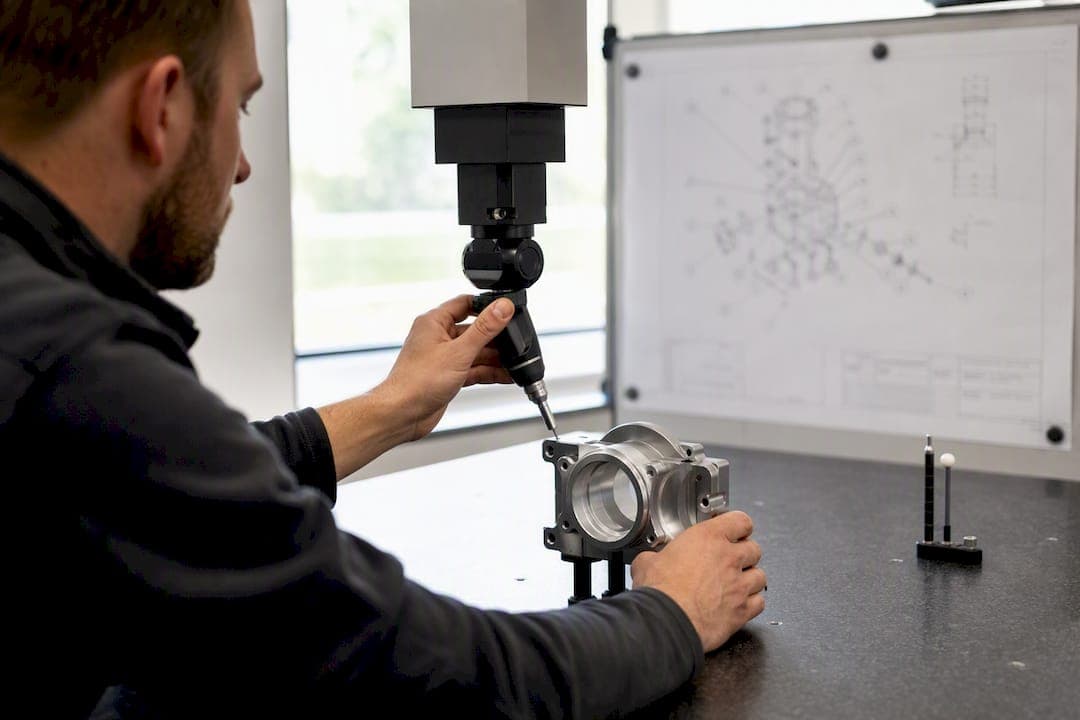
Choose a centralized, audit-ready inspection and QMS platform with native multilingual support for both the user interface and the report output. A platform like QA-Report meets that bar: multi-language UI for inspectors, localized FAI and GD&T PDF reports, and terminology governance built into the workflow. The acceptance test is simple: can it produce an audit-ready report in the inspector's language and the auditor's language from the same measured data?
TL;DR:
- Localized reports must accurately produce both inspector and auditor languages from the same measurements without delays; live demos can reveal potential issues.
- A comprehensive multilingual platform should include full UI localization, terminology governance, and the ability to generate audit-ready PDFs in multiple languages.
- Proper validation, phased rollout, and involving native-language SMEs are essential to prevent stall or mistrust during multilingual system implementation.
- Glossaries should be controlled and regularly reviewed within PLM or ERP systems, with in-context review to ensure terminology matches operational language use.
- Performance testing under realistic, shop-floor conditions is crucial, as rendering complex scripts and handling network variability can significantly impact inspection timeliness.
Table of Contents
- Why Multi Language QA Matters for Manufacturers
- Key Capabilities to Require From a Multilingual Inspection Platform
- How to Roll Out Multi Language QA Without Disrupting Production
- Configuring Terminology That Survives Contact With the Shop Floor
- What Auditors Expect to See From a Multilingual QA System
- Support for Voice Input and Recognition in Multiple Languages
- Handling Non-Latin Script and Right-to-Left Languages
- Customizing for Industry-Specific Terminology and Dialects
- Performance Considerations and Latency in Multilingual Environments
- Author perspective: practical lessons from real multilingual QA rollouts
- Getting Started With QA-Report's Multilingual Platform
- Sources
Why Multi Language QA Matters for Manufacturers
Poor localization on the shop floor doesn't just create typos. It creates shadow procedures. When an inspector doesn't fully trust a translated work instruction, they fall back on tribal knowledge, a laminated cheat sheet someone made three years ago, or a phone call to a bilingual coworker. None of that is traceable, and none of it survives an audit.
Bad translation compounds during a First Article Inspection review too. A misread tolerance callout or an ambiguous GD&T symbol description doesn't just slow the operator down. It produces measurements that don't match what the drawing actually specifies, which shows up later as a corrective action request.
Multilingual quality assurance done right delivers three measurable wins: fewer CARs traced back to misread instructions, faster internal and third-party audits because reviewers can read reports in their own language, and more consistent supplier submissions across multi-plant operations. Standards bodies effectively require this consistency. ISO 9001, AS9100, and IATF 16949 all generate a steady stream of documents (PPAP packages, control plans, 8D corrective actions) that need translation memory and termbase management to stay consistent across languages and plants.
A tighter feedback loop between translation and engineering also cuts onboarding time. Manufacturers that treat terminology as an engineering asset rather than a one-off documentation task see fewer informal, undocumented clarifications between shifts.
What this looks like in practice:
- Inspectors read work instructions and inspection criteria in their native language, not a machine-translated approximation.
- Auditors receive FAI and dimensional reports formatted for their own review language on request.
- Corrective action trails stay legible across every plant in the network, regardless of which language originated the finding.
Pro Tip: Don't try to translate everything at once. That's where the return shows up fastest.
Key Capabilities to Require From a Multilingual Inspection Platform
Before you sit through another vendor demo, build a checklist. Most platforms claim "multi-language support," but that phrase can mean anything from a translated login screen to a fully localized, audit-ready reporting engine. Here's what actually matters.
- Native UI localization across every workflow screen, not just the dashboard. Mobile inspection screens, measurement entry fields, and error messages all need to render correctly in the inspector's language.
- Localized, audit-ready PDF reports. FAI, dimensional, and GD&T reports need to generate in the target language with drawing ballooning linked directly to measured values, so an auditor can trace every number back to its callout without a translator in the room.
- Terminology governance. Glossaries and translation memory keep engineering terms consistent across languages and plants, rather than leaving each site to invent its own vocabulary.
- In-context review with subject matter experts. Line supervisors and native-language operators need to see strings inside the actual interface, not in a spreadsheet, before anything ships.
- Traceable distribution and version control for SOPs and training materials, ideally through SCORM or xAPI logging or equivalent platform-native records.
- Real data integration. CMM import, STEP/IGES CAD viewing, and MES or ERP connections need to work the same way regardless of which language the inspector is working in.
Feature checklist to run during a pilot or RFP:
- Can the platform regenerate the same FAI report in two languages from one dataset?
- Does the mobile inspector app render non-Latin characters correctly on a shop-floor tablet?
- Can a glossary term be updated once and propagate everywhere it's used?
- Does the system log who translated or approved a string, and when?
Pro Tip: Ask the vendor to ballon a real drawing from your shop and generate a report in a second language during the demo, live. If it takes more than a few minutes, that's a preview of what your rollout will feel like.
How to Roll Out Multi Language QA Without Disrupting Production
Rolling out a multilingual inspection platform across an entire facility on day one is how pilots fail. A staged approach protects production while you find the rough edges.
- Define a narrow pilot scope. Pick one high-impact SOP or a single production line, not the whole plant. Staged rollouts let you refine glossaries and UI behavior before anyone scales anything.
- Assemble a cross-functional pilot team. Include native-language subject matter experts and line supervisors, not just IT and the quality manager. They'll catch jargon mismatches linguists miss.
- Configure the basics. Build the initial glossary, import CAD and CMM files, and set UI strings and measurement units for the target language.
- Validate in context. Watch operators actually use the translated workflow on the floor. Adjust phrasing and UI constraints based on what confuses them, not what looks correct on paper.
- Verify the audit trail. Confirm you can export a report, check timestamps, and pull training consumption logs before you call the pilot done.
- Measure pilot KPIs. Track clarification calls and CARs before and after. If those numbers don't move, something in the configuration needs another pass.
- Build the scale plan. Define rollout waves, assign glossary governance ownership, and fold terminology updates into your existing change-control process.
Before you expand past the pilot, confirm:
- The pilot line's clarification-call volume dropped measurably.
- Native-language SMEs signed off on the final translated strings, not just the initial draft.
- Glossary updates route through the same change-control process as engineering documents.
Skipping the validation step is the single most common reason multilingual rollouts stall. A translation that reads fine to a linguist can still be wrong to an operator who's never seen that phrasing on a real HMI screen.
Configuring Terminology That Survives Contact With the Shop Floor
Dictionary-accurate translation and shop-floor-usable translation are not the same thing. A term can be grammatically perfect and still get ignored by every operator who reads it, because it doesn't match how they actually talk about the process.
Start with a single source of truth: controlled-English master content that every translation derives from. If five different people write slightly different versions of the same instruction in the source language, you'll get five inconsistent translations downstream.
Require in-context review before anything goes live. Screenshots, CMMS tickets, and real inspection reports reveal awkward phrasing that a spreadsheet review never catches. An engineer reviewing a translated string in isolation has no idea whether it will truncate on a five-inch tablet screen.
- Lock critical engineering terms in a governed glossary, and sync that glossary with PLM and ERP data so terminology doesn't drift between systems.
- Account for UI character limits, unit conversions, and locale-specific number formats during configuration, not after launch.
- Set a defined update cadence and require SME signoff whenever an engineering change triggers a terminology update.
- Treat every glossary change like an engineering change, with a record of who approved it and when.
Pro Tip: If your glossary lives in a spreadsheet that only one person maintains, you don't have terminology governance. You have a bottleneck. Move it into a system that ties back to your actual engineering data.
What Auditors Expect to See From a Multilingual QA System
Auditors don't care what language your team speaks internally. They care whether you can produce clean, traceable evidence on demand, in a format they can review.
Expect requests for FAI and GD&T PDFs, full version history on SOPs and work instructions, training consumption logs, and a complete corrective action trail. A versioned visual SOP with SCORM or xAPI distribution satisfies the verifiable-training-record requirement built into most ISO 9001 and AS9100 clauses, and it lets the same master module get consumed in multiple languages without spawning inconsistent copies.
Run these checks before an audit, not during one:
- Regenerate a report from six months ago and confirm it still renders correctly in every supported language.
- Trace a single corrective action across a language boundary, from the original finding to final closure.
- Confirm your retention policy covers the export formats customers actually request for PPAP submissions.
Support for Voice Input and Recognition in Multiple Languages
Voice input is becoming a practical option for inspectors whose hands are full of calipers or a CMM probe, and multilingual speech recognition has improved enough that it's worth evaluating during a platform selection. The core question isn't whether a platform supports voice at all. It's whether it recognizes technical vocabulary correctly in the inspector's own language.
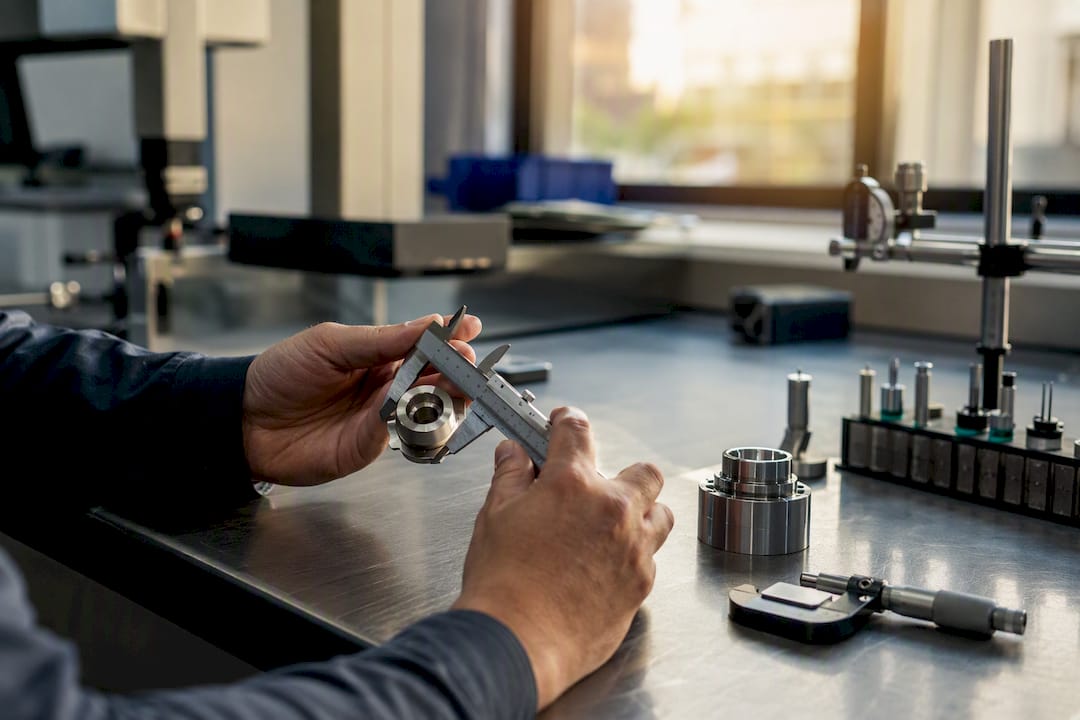
Generic speech-to-text engines trained on conversational language routinely mangle GD&T terminology, part numbers, and measurement units. "True position" can turn into three different phrases depending on the accent and the engine. That's a problem when the transcribed text feeds directly into a measurement field on a report.
If you're evaluating voice input as part of a multilingual rollout, test it against your actual vocabulary, not a generic demo. A few things worth checking:
- Does the engine recognize part numbers, drawing revision codes, and unit abbreviations correctly?
- Can inspectors correct a misheard entry quickly, without breaking their inspection flow?
- Does voice input work reliably in the actual noise environment of your shop floor, not just a quiet office?
Voice input works best as an accelerant for structured data entry (measurement values, pass/fail calls, comment fields) rather than as a way to draft free-form text. Manufacturers with multilingual teams should treat voice recognition accuracy as a language-by-language evaluation, not a single yes-or-no feature checkbox, because accuracy varies meaningfully between languages and dialects.
Handling Non-Latin Script and Right-to-Left Languages
A platform that handles French and Spanish well can still fall apart on Mandarin, Japanese, or Arabic. Non-Latin scripts and right-to-left languages stress-test a system's architecture in ways that Western European languages simply don't.
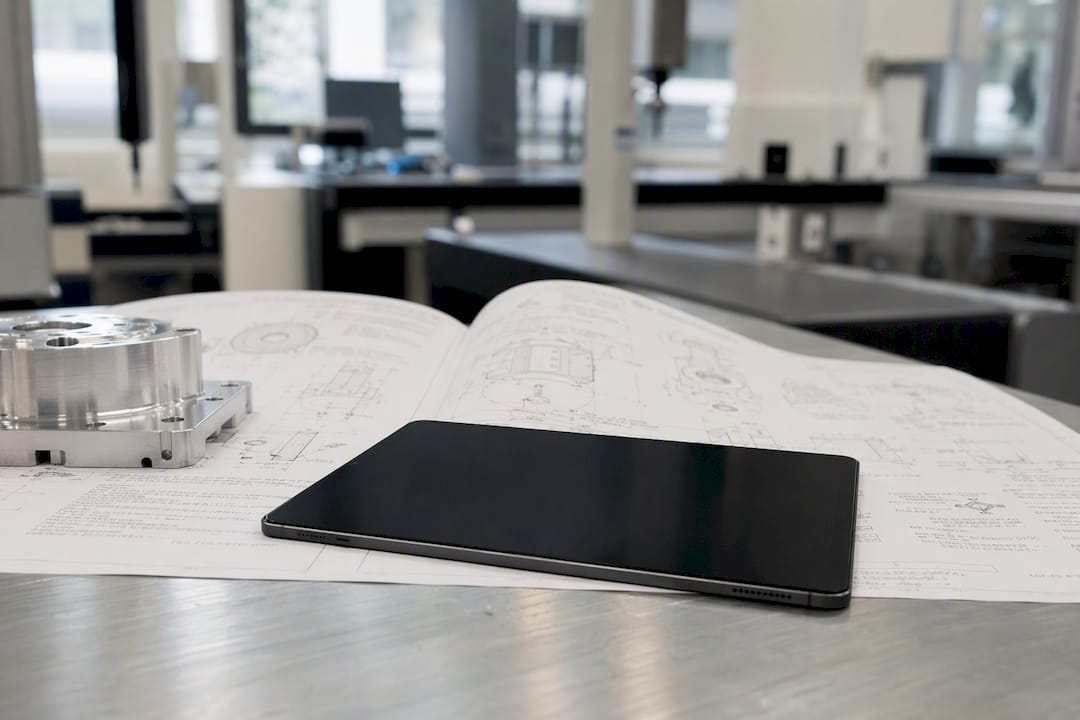
Character rendering is the first hurdle. Chinese and Japanese characters carry more visual density per character than Latin script, which means UI elements sized for English text often truncate or wrap awkwardly once translated. A button label that fits comfortably in English can overflow its container in Japanese.
Right-to-left languages like Arabic introduce a different problem: the entire interface layout needs to mirror, not just the text direction. Menus, form fields, and even measurement value alignment need to flip correctly, and a platform that simply reverses the text string without adjusting the surrounding layout produces a confusing, half-mirrored screen that inspectors won't trust.
Report generation carries its own risks. A PDF report template built for left-to-right layout doesn't automatically produce a clean right-to-left document. Ballooned drawing callouts, tolerance tables, and signature blocks all need to reflow correctly, or the report looks unprofessional in front of an auditor.
Before committing to a platform for a facility that needs non-Latin or right-to-left support, ask to see a live report generated in that exact language and script. Screenshots from a sales deck don't reveal font rendering problems or layout mirroring issues the way a real, generated PDF does.
Customizing for Industry-Specific Terminology and Dialects
Standard translation dictionaries were never built for aerospace tolerancing language or automotive PPAP terminology, and generic translation tools tend to default to the closest everyday word rather than the correct technical term. That gap gets worse across dialects: the Spanish used in a Mexican machine shop isn't identical to the Spanish used in a Spanish supplier's quality documents, and Brazilian Portuguese diverges from European Portuguese in ways that matter for technical writing.
The fix isn't a bigger dictionary. It's a governed, industry-specific glossary that gets built collaboratively with the people who actually use the terms. A term like "true position" needs one locked translation per language, agreed on by an engineer and a native-speaking inspector, not whatever a general-purpose translation tool suggests by default.
Dialect variation deserves its own attention during configuration:
- Confirm which regional variant of a language your workforce actually uses, rather than assuming one standard version covers every plant.
- Build separate glossary entries for regional terminology differences rather than forcing one translation to serve every dialect.
- Review dialect-specific terminology with SMEs from each region, not a single centralized translator working from a style guide.
Getting this wrong doesn't just create awkward phrasing. It creates the same shadow-procedure risk covered earlier: an inspector who doesn't recognize the terminology in their own dialect will trust the interface less, and trust less of the system it's connected to.
Performance Considerations and Latency in Multilingual Environments
A multilingual platform that runs fine in a demo can slow to a crawl once real production data, multiple languages, and shop-floor network conditions all hit it at once. Latency matters more in inspection work than in most software categories, because an inspector standing at a CMM with a part in hand won't tolerate a five-second delay every time they switch a report to a different language.
Several factors drive latency specifically in multilingual environments. Rendering non-Latin scripts and complex right-to-left layouts takes more processing than rendering plain Latin text, especially in PDF generation for FAI and GD&T reports carrying ballooned drawings and tolerance tables. Loading multiple language packs simultaneously, which happens in facilities where inspectors switch between languages depending on the shift, can also strain a poorly architected system.
Shop floors add their own constraints. Wi-Fi coverage on a factory floor is rarely as clean as it is in an office, and a mobile inspection app that depends on constant server round-trips for every translated string will lag noticeably on a weak connection. Platforms built for manufacturing environments need to cache language packs locally on the device rather than fetching translations on demand for every screen.
When you're evaluating a platform, test performance under realistic conditions rather than a clean office network:
- Time how long it takes to generate a full FAI report with ballooned drawings in a non-English language.
- Test the mobile app on the actual Wi-Fi signal strength found at the point of inspection, not near the router.
- Check whether switching UI language requires a full app reload or updates instantly.
Performance issues that seem minor in a demo tend to compound once dozens of inspectors are running the same platform simultaneously across shifts.
Author perspective: practical lessons from real multilingual QA rollouts
The rollouts that succeed almost always start smaller than the QA manager originally wanted. Pick the SOP that generates the most clarification calls, not the one that's easiest to translate. That's where you'll actually prove value.
Bring in line supervisors and native-language operators before you write a single glossary entry, not after. Their pushback early saves you from shipping translations nobody trusts. Treat the glossary itself as an engineering artifact that lives inside PLM or ERP, not a side document someone updates when they remember. And budget time for the boring stuff: character limits, truncated alarm text, unit mismatches. Those constraints, not translation quality, are what actually derail most rollouts.
— Michael Chen
Getting Started With QA-Report's Multilingual Platform
QA-Report is built around the exact checklist this article just walked through: native multi-language UI for inspectors, audit-ready FAI and GD&T PDF reports, automatic drawing ballooning linked to measured values, CMM data import, and an integrated MES layer for route cards and shop-floor access, all inside one centralized platform.

Instead of bolting a translation layer onto a system built for one language, QA-Report runs its core workflows natively in multiple languages, including Chinese and Spanish, so inspectors and supervisors work in a single managed environment rather than juggling separate regional tools. That consistency is what makes cross-plant audits faster: an FAI report generated in one language traces back to the same measured data an auditor reviews in another.
If you're planning a pilot, start with the same scope this article recommends: one high-friction SOP or a single line, run through QA-Report's inspection and reporting platform, with your CMM data imported and a real drawing ballooned for the language your team actually works in. You'll see within one pilot cycle whether the reports hold up to your own audit standard.
Sources
- How to standardize SOPs in multi-plant industrial companies
- The Impact of Translation on Manufacturing Efficiency - VEQTA Translations
- IATF 16949 and ISO 9001 Translation: What Automotive and Manufacturing Suppliers Need to Know