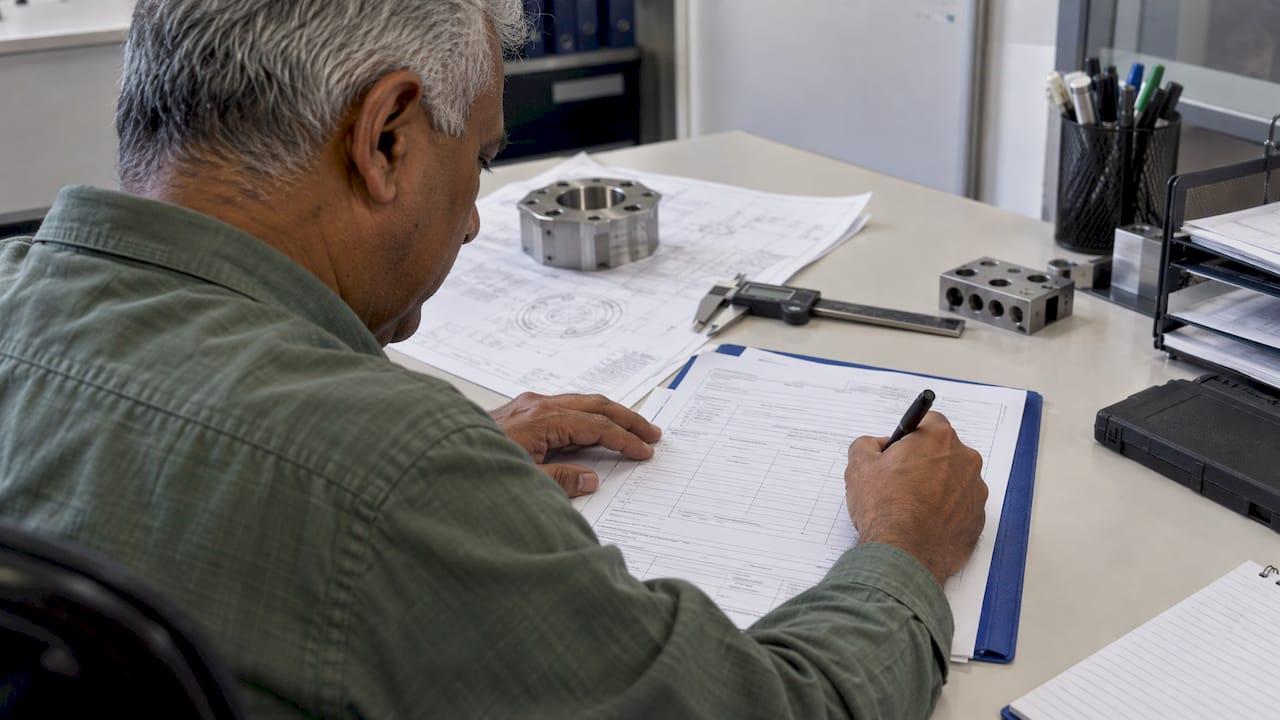
AS9102 Form 1, titled "Part Number Accountability," identifies the part under First Article Inspection (the "FAI part") and ties every other page of the report to it. It records the part number, name, serial number, FAIR identifier, revision levels, who is supplying the part, whether the FAI is full or partial, and who verified and approved the report. Get Form 1 wrong and the reviewer stops reading, however good your measurements are. This guide walks through the fields, shows how Form 1 connects to Form 2, and lists the errors customers flag most often.
TL;DR
- Form 1 identifies the FAI part (detail part, sub-assembly or assembly) and carries the approval trail for the whole report.
- Fields 1 to 4 (part number, part name, serial number, FAIR identifier) repeat on every form, so a change in one place means a change on all pages.
- Form 2 covers materials, special processes and functional testing, and only applies when the drawing defines them as design characteristics.
- Rev C (SAE AS9102C, 2023) changed Form 1 the most, so confirm which revision your customer requires before you start.
- Customers add their own rules on top of the standard. Read the supplier FAI requirements before you fill in the first field.
Table of Contents
- What AS9102 Form 1 is for
- Which revision should you use?
- Completing Form 1 field by field
- A quick Form 1 example
- How Form 1 connects to Form 2
- Customer requirements that change how you fill in the forms
- Perspective
- Build Form 1 from the drawing, not from memory
- A pre-submission checklist for Form 1
- FAQ
- Sources
What AS9102 Form 1 is for
AS9102 breaks a First Article Inspection Report (FAIR) into three forms. Form 1 answers one question: exactly which part does this report cover, and who stands behind it? Form 2 documents the materials, special processes and functional tests. Form 3 documents the characteristic-by-characteristic measurement results. If you need the third form next, see our guide to AS9102 Form 3 templates and field instructions.
According to the IAQG's published draft of the Rev C forms, Form 1 identifies the product undergoing FAI (a detail part, sub-assembly or assembly) and records the part number, part name, serial number, FAIR identifier, part revision level, drawing number and revision, additional changes, the manufacturing process reference, organization name, supplier code, purchase order number, the detail or assembly designation, full or partial FAI status, the assembly part index, a nonconformance declaration, and verification and approval names and dates.
Think of Form 1 as the label on the box. If the label is wrong, nobody trusts what is inside.
Which revision should you use?
SAE AS9102C-2023 is listed as the most recent revision of the First Article Inspection requirements standard. It sets requirements for performing and documenting FAI that complement, and do not replace, customer and statutory or regulatory requirements.
Most of the change from Rev B sits on Form 1. One aerospace procurement checklist notes that AS9102C was released in June 2023 and describes these Form 1 differences:
- The full or partial FAI reason field is now required on every FAI.
- The part type field was reworked.
- A field now asks whether the FAIR contains a documented nonconformance.
- The reviewer and the approver are separate fields, and they should not be the same person.
Field numbers shift between revisions and between customer templates, so match your numbering to the exact form your customer issued. For a broader view of the revision and what it asks for, read our overview of AS9102 Rev C requirements.
Completing Form 1 field by field
In the standard's notation, R means required and CR means conditionally required. The fields below follow the IAQG layout and the customer guidance cited with each.
Identification: part number, name, serial number, FAIR identifier
These four fields head every form in the report.
- Part Number (R). The number of the FAI part. Use the customer part number from the purchasing documents or the BOM. If the customer number is not available, an internal part may carry the manufacturer part number. This is defined in the IAQG form instructions.
- Part Name. The name exactly as it appears on the drawing or purchase order.
- Serial Number. The serial or batch identifier of the inspected unit, so the report traces to one physical part.
- FAIR Identifier (R). A unique identifier for the report. Valcor, for example, asks suppliers to use the part or drawing number, then the revision, then year and month. Your customer may specify a different pattern.
Because these four fields repeat on every page, any later change must be made on all pages. A corrected serial number on Form 3 but not on Form 1 is a classic reason for rejection.
Revision and drawing data
- Part Revision Level (CR). The revision of the part being inspected. If the part has not been revised, the IAQG instructions say to enter "N/C" or "No Change".
- Drawing Number and Revision. The drawing the inspection was performed against. This must match the drawing your balloons reference. Our first article inspection workflow shows why a revision mismatch between ballooned drawing and Form 1 breaks traceability.
- Additional Changes. Engineering changes, notices or approved changes that apply beyond the drawing revision.
Organization and order data
This block records your organization name, supplier code and purchase order number. GKN Aerospace's list of common FAIR mistakes warns suppliers to use the supplier code assigned on the purchase order and not a code of their own choosing. The same document flags listing the full data set number for model-based parts and failing to explain every partial FAI.
Detail part or assembly, full or partial
Form 1 asks you to designate the FAI part as a detail part or an assembly, and to state whether the FAI is full or partial. A partial FAI needs a reason, and under Rev C that reason is expected on every FAI.
If you check the assembly box, the assembly index fields become mandatory. AMT/Zenix's supplier requirements state that these fields list all hardware and detail or sub-assembly parts from the BOM, with each part typed as a detail part, sub-assembly, COTS item, standard catalogue item or software.

Nonconformance declaration
Form 1 declares whether the report contains a documented nonconformance. Be precise here. General Dynamics Land Systems states that an approved deviation still counts as a nonconformance under AS9102, and that a partial or delta FAI is required on the next shipment of conforming material when an approved deviation is present. Our guide to delta FAI rules explains why Form 1 is the first page to update when something changes.
Verification and approval
The final block records who verified the FAIR, who reviewed and approved it, their dates, and the customer's approval. The customer approval and date fields are conditionally required and are used by the customer to record its decision. GDLS also asks that purchase order quality clauses and qualification letter dates be listed in the Comments field. Keep the verifier and the approver as two different people, since Rev C separates the roles.
A quick Form 1 example
The values below are illustrative only. They show the shape of a clean entry and are not a real part.
| Field | Example entry |
|---|---|
| Part Number | BRK-1042 |
| Part Name | Mounting Bracket |
| Serial Number | SN-0007 |
| FAIR Identifier | BRK-1042-A-202611 |
| Part Revision Level | A |
| Drawing Number and Revision | BRK-1042, Rev A |
| Detail or Assembly | Detail part |
| Full or Partial FAI | Full, new part |
| Nonconformance in FAIR | No |
Notice how the FAIR identifier is built from data already on the form. That makes it easy for a reviewer to confirm the report belongs to the right part and revision.
How Form 1 connects to Form 2
Form 2 is titled "Product Accountability, Materials, Special Processes, and Functional Testing." The IAQG instructions say it is used when any material, special process or functional test is defined as a design characteristic. It records the material or process name, specification number, code, supplier, customer approval verification, certificate of conformance number, functional test procedure number, acceptance report number and comments. Fields 1 to 4 repeat from Form 1.
Form 2 instructions in practice
For each material, special process and functional test called out on the drawing or specification tree, write one row. Northrop Grumman's supplier guidance describes the pattern: material or process name, specification and revision, supplier, and the certificate number that backs it. Their examples of materials include copper wire, sheet metal stock, shrink sleeve tubing, label stock and ink, flux-core solder, Loctite, adhesives and lubricants. Special processes include heat treatment, chemical processes, soldering, welding and NDT.
Two fields cause the most questions:
- Supplier. Identify the internal or external organization that performs the special process or supplies the material, with name, address and code where available. Depending on the customer, a special processor code (Boeing's D1-4426 code, for instance) or a DUNS number may be required.
- Customer Approval Verification. Enter Yes if approved, No if approval is required but not provided, or N/A if approval is not required. Valcor advises never entering No unless the customer has approved a deviation.
A Form 2 example
Again illustrative, matching the bracket above:
| Type | Name and specification | Supplier | Certificate |
|---|---|---|---|
| Material | Aluminum 6061-T6 per AMS-QQ-A-250/11 | Acme Metals | CERT-44819 |
| Special process | Chemical conversion coating per MIL-DTL-5541 | Acme Finishing | CERT-55210 |
Reviewers typically check three things: spec revisions match the drawing, special process suppliers are customer-approved, and every row has a traceable certificate number.
Customer requirements that change how you fill in the forms
The standard is the floor. Customers add to it, and these examples come from published supplier documents:
- L3Harris requires that measurement techniques, test methods and equipment be identified on the FAIR and traceable to calibration records. It also allows suppliers to use their own forms if they can be submitted electronically.
- AMT/Zenix requires that all forms and supporting documents, including shop routers, be completed in English, with a line-by-line translation and bilingual headers when they are not.
- GKN Aerospace publishes a list of common FAIR mistakes that doubles as a pre-submission checklist.
Before you open a template, collect the customer's current FAI clause and the purchase order quality notes. Our AS9102 forms and template guide and the FAI report template article cover layout choices once you know what your customer expects.
Perspective
Most rejected FAIRs we see are not rejected for bad measurements. They are rejected because the paperwork does not agree with itself: a revision on Form 1 that differs from the ballooned drawing, a serial number corrected on one page and not the others, a Form 2 certificate that does not match the material line.
That is why we built QA-Report around one linked record. Your ballooned drawing, your measured results and your report data come from the same source, so the identification fields on Form 1 are not retyped on every page. When a revision changes, you update it once and review the consequences, instead of hunting for every place it appears.
Our approach is to treat Form 1 as the start of the traceability chain, not an admin step before the real work. A broken link at the first page breaks the chain all the way to the shop floor. Our platform, designed for aerospace, automotive and medical device suppliers, keeps that chain connected from drawing to inspection report to production batch.
Michael Chen
Build Form 1 from the drawing, not from memory
QA-Report is built to cut the retyping that causes Form 1 errors. You balloon the drawing, link each balloon to measured results, and generate a report in the AS9102 structure with out-of-tolerance deviations flagged automatically. You can balloon a drawing with the free tool to see how the workflow starts, or import data directly with CMM inspection software for automated reports.
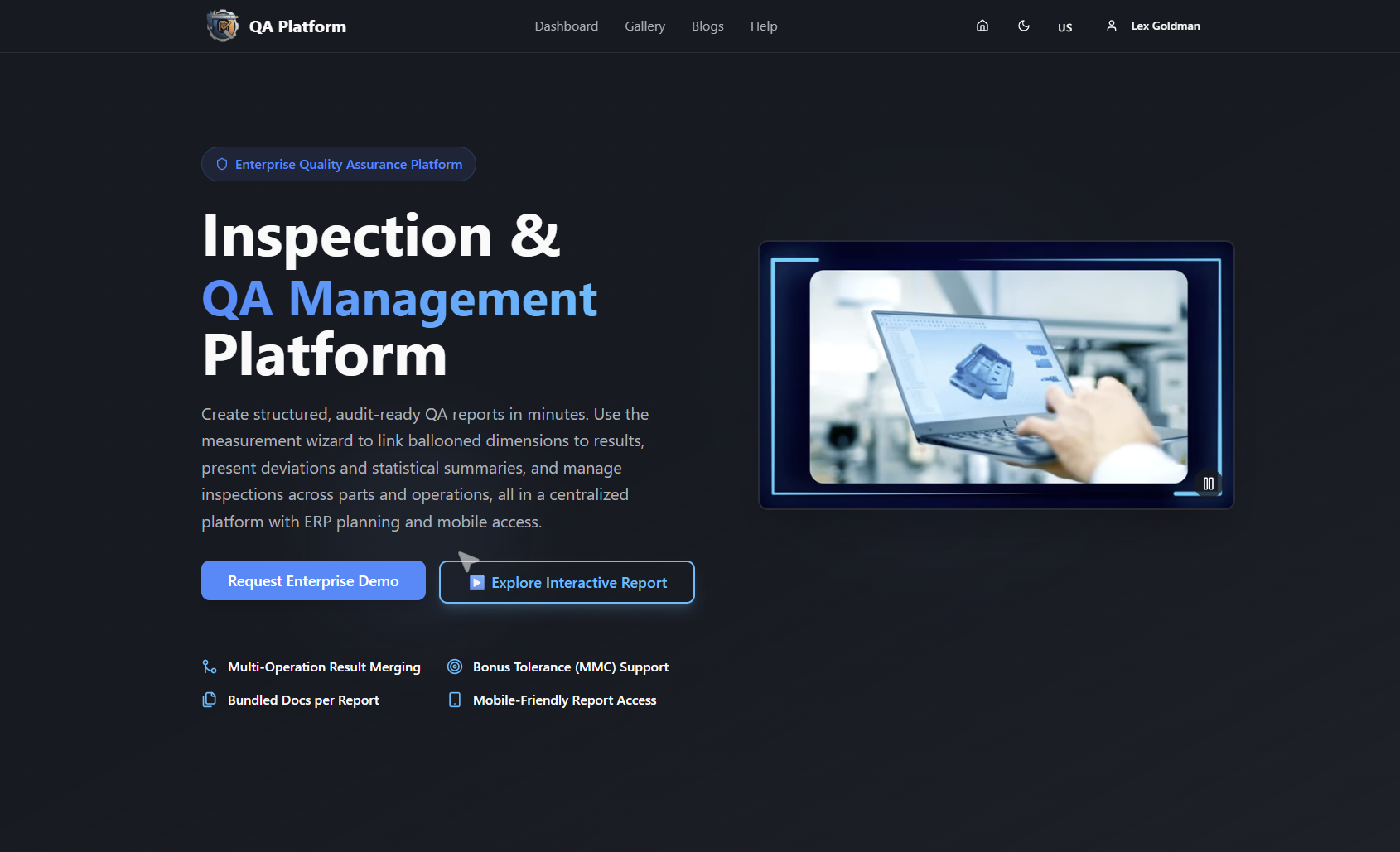
Plans on the pricing page start with Free at $0 per month, then Basic at $49.99 per month and PRO at $149.99 per month. On-Premise and Enterprise Solutions are available for organizations with data confidentiality or scale requirements, and their pricing is not published.
A pre-submission checklist for Form 1
Run through this before you send the report:
- Confirm the revision of AS9102 and the customer's supplier FAI clause.
- Check that part number, part name, serial number and FAIR identifier match on every page.
- Match the drawing number and revision to the ballooned drawing used for Form 3.
- Confirm the supplier code is the one assigned on the purchase order.
- State full or partial FAI, with a reason.
- If it is an assembly, complete the assembly index from the BOM with a part type for every line.
- Declare any nonconformance, including approved deviations.
- Use different people for verification and approval.
- Cross-check Form 2 certificate numbers and approved supplier codes against Form 1 identifiers.
For how the audit side fits together, see our guide to inspection report formats for audit-ready FAI packages.
FAQ
What is AS9102 Form 1 called?
Form 1 is titled "Part Number Accountability." It identifies the FAI part and records who produced, verified and approved the report.
Do I always need Form 2?
No. Form 2 is used when materials, special processes or functional testing are defined as design characteristics. If the drawing defines none, there is nothing to record, but confirm the customer's requirement on that point.
Can I use my own form instead of the standard layout?
Sometimes. L3Harris, for example, permits suppliers to use their own forms if they can be submitted electronically. Many customers still require the standard layout, so check the supplier clause on your purchase order.
When do I update Form 1 after a change?
When the part revision, drawing revision or other identification data changes, update Form 1 and every page that repeats fields 1 to 4. Determine whether a full or partial FAI applies to the change under your customer's rules.
Does an approved deviation still count as a nonconformance?
Yes, under the guidance from General Dynamics Land Systems, an approved deviation is still a nonconformance for AS9102 purposes. Declare it on Form 1 and plan the partial FAI on the next conforming shipment.
Sources
- IAQG Draft 9102 Rev C Forms
- SAE AS9102C-2023 on the ANSI Webstore
- Aerospace Sourcing: AS9102 FAI Review Checklist
- Valcor FAI Guidelines
- GKN Aerospace: Common FAIR Mistakes
- AMT/Zenix FAI Requirements for Suppliers
- GDLS AS9102C Numbered Explanation
- Northrop Grumman Supplier Guidance for FAI
- L3Harris Supplier FAI Requirement