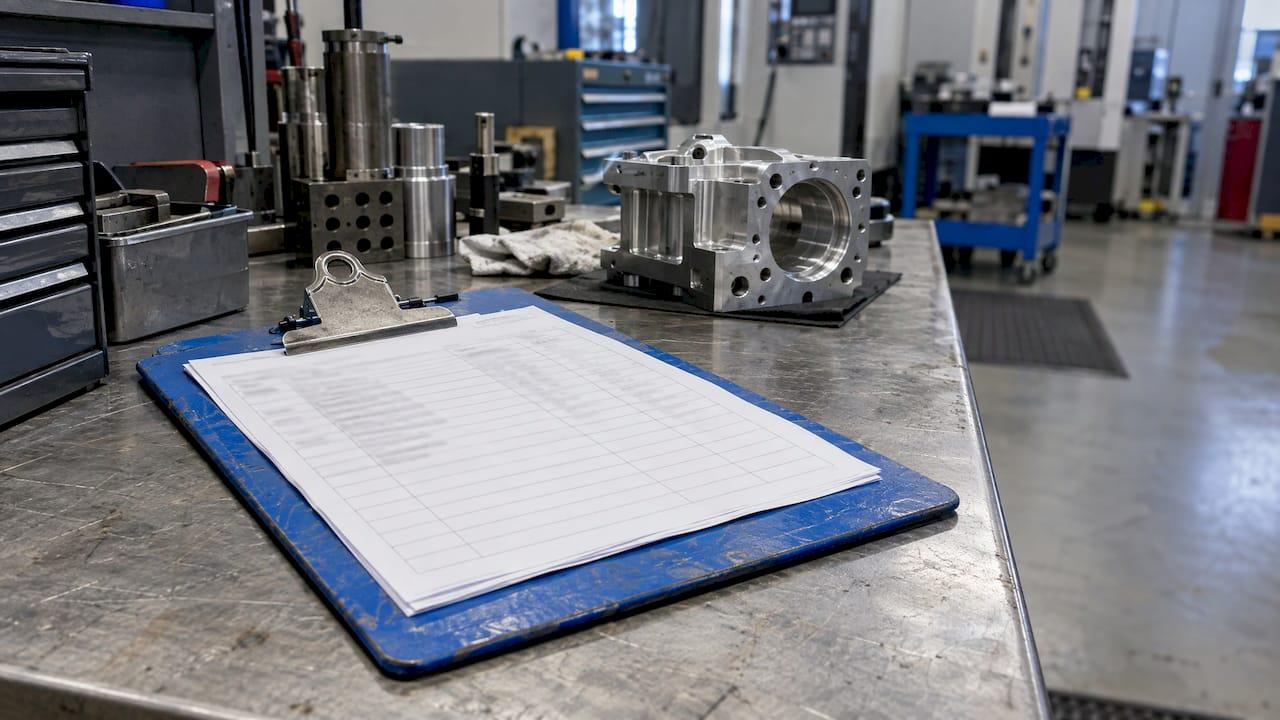
A manufacturing route card is the document that lists every operation a part must go through, in the order it must happen, with the work center, time, tooling and inspection point for each step. It is the plan for a job. When it lives in a controlled system and not on loose paper, it is also the thread that ties a finished part back to its material, its operators and its inspection results. Here is how to build one, what it must contain and how it connects to the rest of your quality system.
TL;DR
- A route card defines the operation sequence, work centers, times, tooling and inspection points before production starts. The traveler that follows the part records what actually happened.
- A usable card carries a header (job, part, revision, quantity, material) and one row per operation with setup time, run time, inspection point and sign-off.
- AS9100D names travelers, routers and process cards as production documents. Its traceability clause expects records you can retrieve for the life of the product.
- Digital route cards remove transcription errors, keep revisions controlled and make batch and serial history searchable in seconds.
- You can try this in practice: QA-Report has a free plan and a sample route card PDF.
Table of Contents
- What a route card is
- Route card, traveler, work order and job card
- What a route card should contain
- Why auditors care about your route cards
- How to build a route card step by step
- Where paper route cards break down
- Digital route cards: what changes
- Promo: route cards and inspection in one platform
- Our perspective
- FAQ
- Sources
What a route card is
A route card (also called a route sheet or router) is written by a process engineer before the first piece is cut. It answers one question: in what order does this part move through the shop, and what happens at each stop?
The sequence is not arbitrary. In sheet metal work, laser cutting comes first because the blank must exist before anything can be bent or welded, and powder coating comes last because welding and grinding heat would damage the finish. The same logic applies in machining: rough before finish, heat treat before final grinding, deburr before inspection. A route card freezes that logic so it does not depend on whoever happens to be on the floor that day.
Three jobs make the route card worth the effort:
- Planning. Supervisors use it to load machines, estimate lead time and sequence batches.
- Instruction. Operators see what to do next, with which tooling, and where the part goes afterward.
- Evidence. Inspectors and auditors see that the process was followed and that every required check happened.
The third job is the one that decides whether your shop passes an audit.
Route card, traveler, work order and job card
These terms overlap in everyday shop talk, and the overlap causes real confusion. A workable way to separate them:
| Document | Question it answers | When it is used |
|---|---|---|
| Work order | How many, by when, for whom? | Before production: it authorizes the job and tracks quantities and due dates |
| Route card (route sheet) | In what order, on which machines, with which checks? | Before production: it defines the sequence and parameters |
| Traveler | What actually happened to this lot? | During production: it follows the parts and records results, signatures and deviations |
| Job card | What exactly does the operator do at this station? | At the work center: it carries detailed task instructions |
This distinction follows the definitions used in manufacturing guides: the route sheet is the plan, and the traveler is its execution-time counterpart. Many shops print the plan and the record on the same sheet, and that is why "route card" and "traveler" are often used interchangeably. In a digital system the two become one object: a planned route that fills in with actual results as operations are completed.
What a route card should contain
Start with the header, then build the operation rows.
Header fields
- Job or work order number and customer PO
- Part number, drawing number and revision level
- Quantity and batch or lot identifier
- Material specification and heat or lot number
- Required date
- Approval signature before release
A published traveler template uses this same header structure, including part, drawing and model revision, material spec, heat or lot, and an approval field before production sign-offs. Revision level is the field people skip and regret. A card that references a superseded drawing sends good operators to make scrap.
Operation rows
Each row represents one step and typically includes:
- Operation number (10, 20, 30, leaving gaps so you can insert steps later)
- Operation description
- Work center or machine
- Setup time and run time per piece
- Tools, fixtures and programs
- Inspection point and the characteristic to check
- Quantity in, accepted and rejected
- Operator and date sign-off
- Notes, including any outside process with the vendor and certificate reference
The operation list above matches what route sheet guides describe: operation number, description, work center, setup and run time, tooling, inspection point and notes.
A worked example
Here is a sheet metal bracket, using the operations and per-part times from a published route sheet example:
| Op | Description | Time per part | Inspection |
|---|---|---|---|
| 10 | Laser cut flat pattern | 1.2 min | First piece dimensions |
| 20 | Deburr edges | 0.5 min | Visual |
| 30 | Bend two flanges at 90° | 0.8 min | Angle check |
| 40 | TIG weld fillet joint | 2.0 min | Weld visual |
| 50 | Grind and smooth weld seam | 0.6 min | Visual |
| 60 | Powder coat RAL 7035 | Batch | Coating check |
| 70 | Final inspection | 1.0 min | Dimensional and cosmetic |
Notice what the example does well: every operation has a number, a time and a check. It also shows what a careful engineer would add for regulated work: the revision level in the header, the gauge or CMM program at the inspection steps, and a hold point where a first article must be approved before the rest of the lot runs.
You can see how a finished card looks in our sample route card PDF.

Why auditors care about your route cards
In commodity work, a route card is a convenience. In aerospace, defense and medical device production, it is part of your compliance evidence.
Aerospace. AS9100D requires controlled production conditions, and its text says the documented information defining characteristics and results can include travelers, routers, work orders and process cards. The same standard requires you to retain documented information that enables traceability, and notes that this can include sequential production records retrievable for the life of the product. For production certificate holders under the FAA, 14 CFR § 21.137 requires a written quality system with documented procedures for manufacturing process control, inspections and tests, inspection status, nonconforming product control and quality-record retention.
Medical devices. FDA's 21 CFR Part 820 now aligns with ISO 13485 under the Quality Management System Regulation, effective February 2, 2026, and calls for a documented quality management system that includes traceability procedures. Your route cards are where process control and traceability become something an inspector can read.
Customer flow-downs. Prime contractors write the expectations into supplier requirements. One defense supplier quality document requires traceability of delivered parts by serial or lot, part number and revision, and to the lots of raw material used, along with manufacturing and inspection records identifying each part in an assembly.
A route card with material heat numbers, operator sign-offs and inspection results answers all of these at once. A route card that is missing a signature, or that cannot be found, becomes a nonconformance.

The history here is longer than most people assume. Government records from the Rocky Flats Plant show that production route cards, or travelers, from the 1960s already recorded part number, raw material specifications, material certification, operator numbers, machine group, operation description, heat code, sequence of operations, defective parts reports and tooling information. The fields have barely changed. What has changed is how fast you can find them.
How to build a route card step by step
- Start from the released drawing and its revision. Confirm the revision, note the critical characteristics, and list the special processes. If the drawing is ballooned, every balloon number gives you a way to tie an inspection step to a requirement.
- List the operations in physical order. Think in terms of what the part must look like at the end of each step. Material condition drives sequence: forming before welding, welding before finishing, finishing last.
- Assign a work center to every operation. Name the machine group, not just the department, so planning can see load.
- Add setup and run time. Use standard times where you have them and refine them from actual results. Planning is only as good as these numbers.
- Place inspection points deliberately. Put them after operations that create or lock in a feature, before operations that hide it (such as coating), and at every special process. Mark where a first article is required.
- Define outside processes. Heat treat, plating and anodizing need a vendor, a spec and a certificate requirement on the card.
- Add the record fields. Quantity in, accepted and rejected, actual time, operator and date. If a field is not filled in, the card should show that it is incomplete.
- Approve and release under document control. Only the current, approved revision should ever reach the floor. Our guide to document control procedures walks through the approval and revision steps, and controlled documents versus records explains why the blank route card is a controlled document while the completed traveler becomes a record.
Where paper route cards break down
The weak points are consistent from shop to shop:
- Revision drift. A printed card outlives the drawing change that made it wrong.
- Lost or damaged travelers. Oil, chips and clipboards are hard on paper. A lost traveler breaks traceability like a missing link in a chain.
- Re-keying. Someone types times and results into the ERP or a spreadsheet at the end of the shift, and the typos arrive with them.
- No live status. Supervisors walk the floor to find where a job sits.
- Slow audits. Pulling the records for one serial number can take hours when they sit in binders.
- Rejections without follow-through. A rejected quantity gets noted on the card, but nobody sees that rework or recovery has been planned.
None of these is a discipline problem. They come from asking paper to do a database's job.
Digital route cards: what changes
A digital route card keeps the same structure and adds control. The sequence, times and inspection points live in one record. Operators complete steps from a terminal or phone at the machine. Results are stored against the batch or serial number, and the history is searchable.
When you evaluate software, these are the criteria that matter:
| Criterion | What to look for |
|---|---|
| Route and routing setup | Operations with work centers, times and inspection points you can reuse per part |
| Batch and serial tracking | Records that follow lots and individual serial numbers through every operation |
| Inspection integration | Route steps tied to ballooned drawings and measurement results, not stored in a separate tool |
| Rejection handling | Rejected quantities recorded, with recovery or rework tracked on the same job |
| Planning views | Kanban and Gantt views of work in progress and machine load |
| Access control | Role-based permissions so operators, inspectors and managers see what they need |
| Mobile access | Floor-level data entry without walking back to an office PC |
| Deployment | Cloud or on-premise, depending on your data confidentiality requirements |
| Record retention | A document vault where released cards and completed records stay retrievable |
The inspection integration is the criterion most shops underrate. A route card that says "inspect per drawing" is a promise. A route step linked to the ballooned drawing and the actual measurements is proof. For a deeper look at the inspection side, see our guide to inspection documentation best practices, and for lot-level versus unit-level history, our serial number tracking guide.
Promo: route cards and inspection in one platform
QA-Report combines route cards with inspection in a single cloud platform. Its MES layer manages production across parts, batches and operations with route cards, kanban and Gantt planning, rejection and recovery tracking, and role-based shop-floor access. Inspectors work from mobile devices on the floor, and the same platform handles ballooned drawings, CMM data import and first article reports.
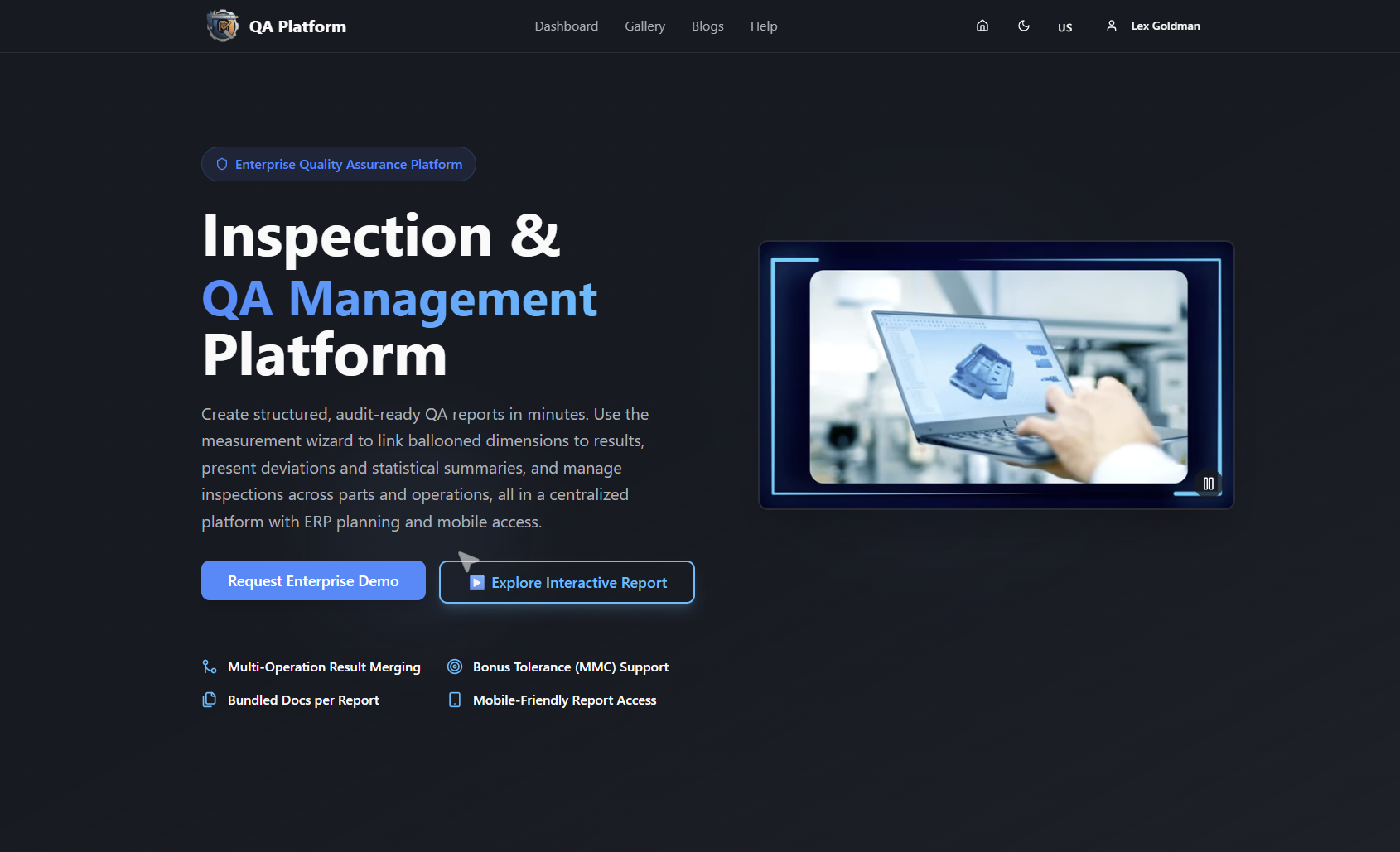
See how it works for machine shops on our MES software page, or compare plans on the pricing page: Free at $0 per month, Basic at $49.99 per month and PRO at $149.99 per month. On-Premise and Enterprise Solutions are available without published prices.
Our perspective
Most route card problems we hear about are not planning problems. The sequence on the card is usually right. The trouble starts when the card and the inspection record live in different places, so nobody can show that operation 40 was checked against revision C of the drawing.
That is why we build route cards, ballooned drawings and measurement results into one platform. When an operation is linked to the characteristics it creates, an inspector does not hunt for requirements, and an auditor does not hunt for records. Batch and serial tracking sit on the same job, so a question about one part can be answered from one screen.
We also think a route card should fit the size of the shop. A small machine shop needs clean routes, role-based access and a record of rejections and recoveries. A regulated manufacturer may also need on-premise deployment, ERP planning integration and a document vault. Our plans are structured so you can start small and grow into the rest.
If you take one thing from this guide: write the card so that someone who has never seen the job can run it, and store the result so that someone who was not there can verify it.
Michael Chen
FAQ
What is the difference between a route card and a traveler?
The route card is the plan: operations in order, work centers, times, tooling and inspection points. The traveler is the version that follows the physical parts and records what actually happened, including signatures, measurements and deviations. Many shops combine them in one document, and in a digital system they are a single record.
What should a manufacturing route card include at minimum?
At minimum: job number, part number and drawing revision, quantity, material spec and lot, then for each operation its number, description, work center, setup and run times, inspection point and a sign-off. Add outside process details and approval before release if you work to AS9100 or ISO 13485.
Are route cards required by AS9100 or FDA rules?
Neither names a mandatory template. AS9100D lists travelers, routers, work orders and process cards as examples of production documents, and requires traceability records. 21 CFR Part 820 and 14 CFR § 21.137 require documented process control, inspection and record retention. A well-built route card is the usual way to satisfy these.
What should I compare when choosing route card software?
Compare route setup, batch and serial tracking, how inspection results link to the route, rejection and recovery handling, planning views, permissions, mobile access, deployment options and record retention. Then check the price against the number of users and features you need. QA-Report lists its Free, Basic and PRO plans on its pricing page.
Can I use a free tool to get started?
Yes. QA-Report's Free plan costs $0 per month, and the sample route card PDF shows a finished card, so you can see the structure before you set up your first part.
Sources
- Manufacturing Route Sheet: Definition, Contents and Example
- Job traveler and routing template
- AS9100D Aerospace Standard
- 14 CFR § 21.137, Quality system
- 21 CFR Part 820, Subpart A, General Provisions
- Supplier/Subcontractor Quality Requirements, Northrop Grumman
- Rocky Flats Plant: Production and Materials Handling, U.S. Department of Energy