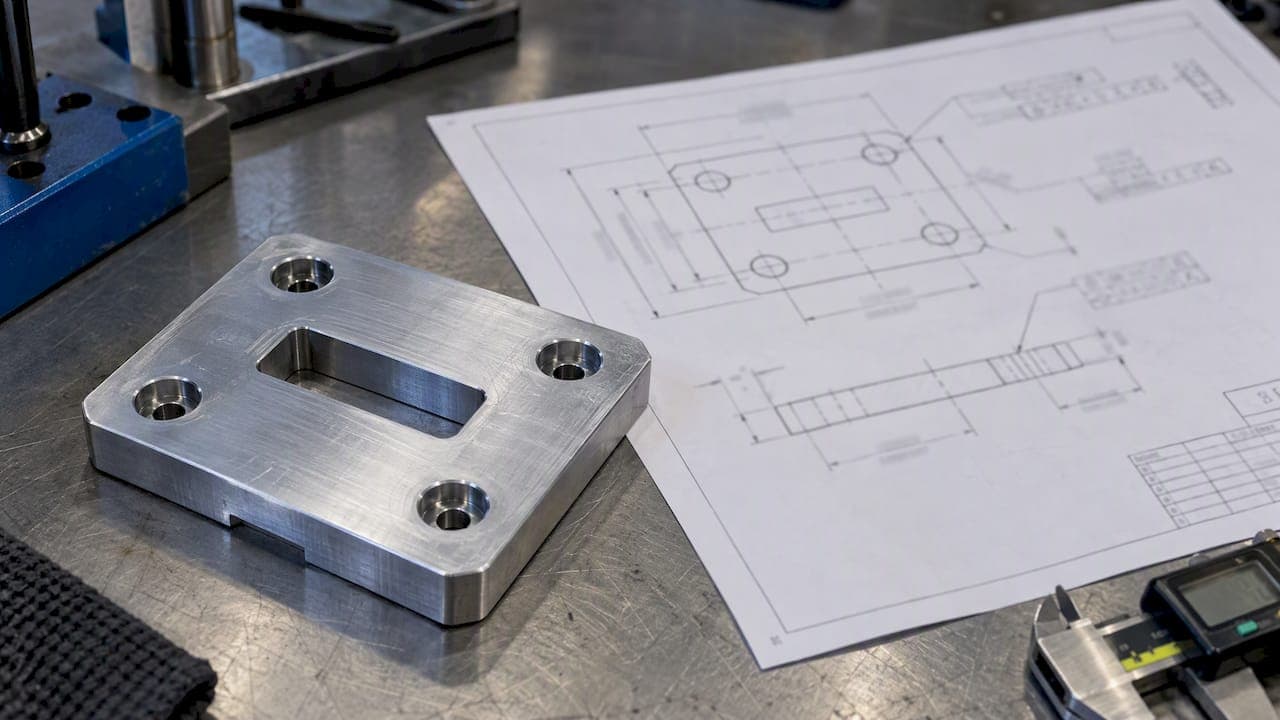
A composite position tolerance puts two position requirements in one feature control frame. The upper row controls where a pattern of features sits on the part. The lower row, which is tighter, controls how precisely those features sit relative to each other. Inspectors get it wrong most often at the lower row, because its datums do not work the way they do in the upper row.
This guide shows how to read the frame, how the two tolerance zones behave, how to separate a true composite frame from two single-segment frames, and how to inspect and report it on a CMM or at the bench.
TL;DR
- One position symbol spanning two rows is a composite frame. The upper row is the pattern-locating control (PLTZF) and the lower row is the feature-relating control (FRTZF).
- Datums in the lower row control orientation only, never location. They must also be a subset of the upper row datums, in the same order.
- Two separate position symbols stacked on top of each other are not a composite frame. Both rows are full location controls.
- Inspect the upper row with the full datum reference frame, then inspect the lower row with the pattern allowed to shift within the upper zone, but held to the orientation of the lower row datums.
- Report each row as its own result against its own tolerance, so a reviewer can trace every accept or reject decision.
Table of Contents
- What composite position tolerance does
- Anatomy of the composite frame
- A worked example
- Composite vs two single-segment frames
- Why the lower zone does not float freely
- How to inspect composite position
- Reporting composite position so it holds up in audit
- Our perspective
- Tolerance choices that sit behind the frame
- Putting composite position into your reports with QA-Report
- FAQ
- Sources
What composite position tolerance does
Some parts need two different qualities from the same group of holes. A bolt pattern has to mate with a tight-fitting connector, so the holes must line up with each other precisely. The location of that whole pattern on a casting or a sheet metal bracket may be far less critical.
A single position tolerance can't express that. If you tighten it to protect the hole-to-hole fit, you also force the pattern to a tight location on the part, and good parts get scrapped. A composite frame splits the requirement in two. Quality engineers who work with it describe it as the right fit when the feature-to-feature relationship must stay tight while the pattern's position relative to its datums can be looser.
The standard behind this is ASME Y14.5. The 2018 edition is the current revision of the GD&T standard, and its scope lists composite position tolerances alongside datum references and degrees of freedom.
Anatomy of the composite frame
A composite feature control frame has these visible traits:
- One position symbol, shared by both rows.
- Two stacked rows, each with its own tolerance value and datum references.
- A lower row tolerance that is smaller than the upper row tolerance.
- Lower row datums, if any, that repeat the upper row datums in the same order of precedence, with trailing datums dropped as needed.
For the symbol itself and the other compartments, see our guide to what a feature control frame tells you on every GD&T drawing.
The upper row: pattern-locating zone framework
The upper row is the PLTZF. It locates and orients the entire pattern relative to the datums, and it carries the larger tolerance. A published ASME-based explanation describes it as the larger positional tolerance for the pattern as a group. Think of it as the coarse outer fit.
A hole passes this row when its axis falls inside a cylindrical zone, sized by the upper tolerance, that is fixed at true position relative to the full datum reference frame.
The lower row: feature-relating zone framework
The lower row is the FRTZF. It is a set of smaller zones, one per feature, that are held at exact basic spacing from each other. The zones act as a rigid group. That group can translate and rotate as one unit, but only within the limits the upper row allows.
Two things change when datums appear in the lower row:
- They control orientation of the zone group, not its location.
- They must be a subset of the upper row datums, in the same order.
If the lower row has no datums at all, the zone group controls only feature-to-feature location and orientation, with no tie to any datum. Which version a drawing calls for depends on the function of the pattern, and that decision belongs to the designer.
A worked example
This is a made-up illustration, not a drawing from a real part. Take a flange with four holes on a basic bolt circle, with this frame:
- Upper row: position, diameter 0.5, referencing A, B, C.
- Lower row: position, diameter 0.1, referencing A.
Here is how that reads:
- Each hole axis must fall within a 0.5 diameter zone located from A, B, and C. Those four zones are basic-located from the datum reference frame.
- Separately, the four hole axes must fit inside four 0.1 diameter zones. These zones keep exact basic spacing from each other and stay perpendicular to datum A.
- That group of 0.1 zones may shift sideways and rotate about the axis of A, as long as every hole also stays inside its 0.5 zone.
Suppose the whole pattern sits 0.18 off center but the hole-to-hole spacing is nearly perfect. It passes the upper row because every hole stays within its 0.5 zone. It also passes the lower row, because the lower zones are not tied to the location of B and C. A single 0.1 position tolerance to A, B, C would have rejected that part.
Suppose the reverse: the pattern sits dead on location but one hole is 0.15 out of its spacing. The upper row passes, the lower row fails, and the part is rejected. That is the behavior the designer wanted.
Composite vs two single-segment frames
The two layouts look alike on a drawing and behave differently in inspection. The key difference is how the lower row treats the datums.
| Trait | Composite frame | Two single-segment frames |
|---|---|---|
| Position symbol | One, shared by both rows | One in each row |
| Lower row datums | Control orientation only | Control location and orientation |
| Lower zone group can shift | Yes, within the upper zone | No, fixed to the datum reference frame |
| Lower row datum list | Subset of upper row datums | Can differ from the upper row |
| Typical use | Tight fit between features, looser pattern location | Both levels are true location requirements |
With two single-segment frames, the lower row is a full location control. Each zone is fixed at basic distance from the datums, so nothing floats. Practitioner write-ups warn that confusing the two can produce unnecessary scrap, or the opposite, an accepted part that should have failed.
When you review a drawing, check the symbol first. If it appears once and spans both rows, you are in composite territory.
Why the lower zone does not float freely
A common error is to say the lower zones float anywhere. They don't. The FRTZF can translate and rotate inside the boundary the PLTZF sets, but it must remain fixed in orientation to any datums listed in the lower row. With no lower row datums, it is free to rotate too.
The practical consequences for inspection:
- Rotation is only free about the axes the lower datums do not constrain.
- If you let the zone group tilt when datum A is in the lower row, you will accept parts that are out of perpendicularity.
- If you hold the pattern fixed to B and C in the lower row, you will reject parts that the drawing says are fine.
As one source on CMM practice notes, inspection errors come up when the alignment is not recalled correctly between the two segments. Datum setup matters here as much as the math. If your fixture does not match the datum scheme, the best software still reports the wrong answer. We covered this in the hidden cost of misaligned datums, and the basics are in our guide to the datum reference frame for metrology teams.
How to inspect composite position
The sequence below works on a CMM, and the logic applies to a gage or an optical system as well.
- Read the frame. Confirm one shared symbol, note both tolerances, and list the datums in each row with their order.
- Build the full datum reference frame from the upper row. Check that your fixture constrains the same degrees of freedom the drawing assumes.
- Measure every feature in the pattern, including size, so any material condition modifier can be applied.
- Evaluate the upper row. Compare each feature's axis to its basic location from A, B, C, and compare the deviation to half the upper tolerance (or the bonus-adjusted value).
- Re-align for the lower row. Use only the lower row datums, and constrain only the degrees of freedom they control. Let the pattern translate and rotate for the rest.
- Fit the zone group. Find whether one best fit of the group of 0.1 zones contains every feature. Software evaluates this with a constrained fit, not by eye.
- Record both results. The upper and lower rows each get a measured value, a tolerance, and a pass or fail.
For holes with a size tolerance and a material condition modifier, bonus tolerance applies to both rows, based on the actual size of each hole. A calculator or software that skips this step will reject parts that conform.
Common inspection mistakes
- Evaluating the lower row with the full datum frame. This turns a composite frame into two single-segment frames and rejects good parts.
- Evaluating the lower row with no datums when the drawing lists one. This accepts parts that are out of orientation.
- Reporting a single pass or fail for the whole frame. Reviewers can't tell which row drove a rejection.
- Ignoring size. Bonus tolerance is lost when the measured feature size isn't tied to the position result.
- Treating the CMM default best fit as if it were the drawing's requirement.
Reporting composite position so it holds up in audit
An FAI or PPAP reviewer needs to see the drawing requirement and the measured result side by side. For a composite frame, that means:
- One characteristic line per row, each linked to the same balloon or sub-numbered with a clear suffix.
- The datum setup recorded for each row, so the next inspector can reproduce the alignment.
- Measured values for each feature, not only the worst case.
- A visible deviation flag against the tolerance, including bonus where it applies.
When we talk with quality teams, this is where the manual workflow tends to break. The spreadsheet has one cell for position, and the second row of the frame is either missing or merged into the first. Automating the extraction of the frame from the drawing helps, and we describe the approach in automated GD&T extraction with traceable evidence. The underlying single-feature rules are in our full guide to position tolerance.
Our perspective
We see composite position misread in three places: on the drawing, at the CMM, and in the report. The drawing problem is usually a designer who stacked two frames when one composite frame was meant, or the reverse. The CMM problem is alignment: the program uses one datum setup for both rows. The report problem is that a two-row requirement ends up as a single pass or fail with no trail behind it.

Our view is that the fix is structural, not heroic. Link each row of the frame to its balloon, store the alignment with the result, and flag out-of-tolerance deviations the moment the data arrives. Then the reviewer sees which row failed and why, and engineering can decide whether the part, the process or the drawing needs to change. Traceability that stops at the part number is a chain with a missing link.
We also think shops should ask the designer early. If a composite frame is driving scrap and the function is a loose location with a tight spacing, that is working as intended. If it is driving scrap and the location really matters, the drawing may need a different callout. Inspection can show that. It can't decide it.
— Michael Chen
Tolerance choices that sit behind the frame
Composite position only works if the tolerances are achievable on your machines. The upper value reflects how well you can locate a pattern from datums, which depends on fixturing, setups and machine accuracy. The lower value reflects how well the tool or program holds feature spacing in one setup. Those are different capability questions.
If you want a primer on how machining accuracy turns into drawing tolerances, our piece on understanding precision machining tolerances is a good start. For a view from the equipment side, this guide to CNC tolerances shows how general machining tolerances are set against ISO 2768, which helps when you decide how tight the upper row can reasonably be before a feature needs its own composite or profile control.
When the surface or a non-cylindrical feature matters more than a hole axis, a different control may be the right answer. See surface profile tolerance and profile tolerance inspection.
Putting composite position into your reports with QA-Report
QA-Report is a cloud platform for inspection reporting. You balloon the drawing, import CMM data, and link each measured result to its balloon. Out-of-tolerance deviations are flagged automatically, and the output is a PDF report built for FAI, AS9102 and PPAP workflows. If you want to see how CMM results flow in, look at our CMM inspection software page.
The pricing page lists a Free plan at $0 per month, Basic at $49.99 per month and PRO at $149.99 per month, plus On-Premise and Enterprise Solutions for teams with data confidentiality needs.
FAQ
What is the difference between composite position and composite true position?
They describe the same thing. Composite position tolerance is the formal GD&T term, and composite true position or composite positional tolerance are common shop-floor variants. All refer to a single position symbol spanning two rows of a feature control frame.
Can the lower row of a composite frame have a larger tolerance than the upper row?
No. The lower row refines the upper row, so its tolerance must be smaller. If the two values were the same or reversed, the lower row would add nothing, and the drawing would need a different callout.
Do the lower row datums control location?
No. In a composite frame they control orientation of the feature-relating zone group only. Location of the pattern comes from the upper row. Those lower row datums must also be a subset of the upper row datums, in the same order.
How do I tell a composite frame from two single-segment frames?
Look at the position symbol. A composite frame has one symbol shared by both rows. Two single-segment frames each carry their own symbol, and both rows then control location from the datums.
Does bonus tolerance apply to composite position?
Yes, when the features of size carry a material condition modifier. Bonus is calculated from each feature's actual size and applies to the row where the modifier is shown. Check the frame on the drawing for which rows carry it.
Sources
- Composite Positional Tolerancing, TTC Cogorno newsletter
- ASME Y14.5-2018, Dimensioning and Tolerancing
- Composite Position Tolerance ASME GD&T, Engineers Edge